Features
Everything Eyevo can do.
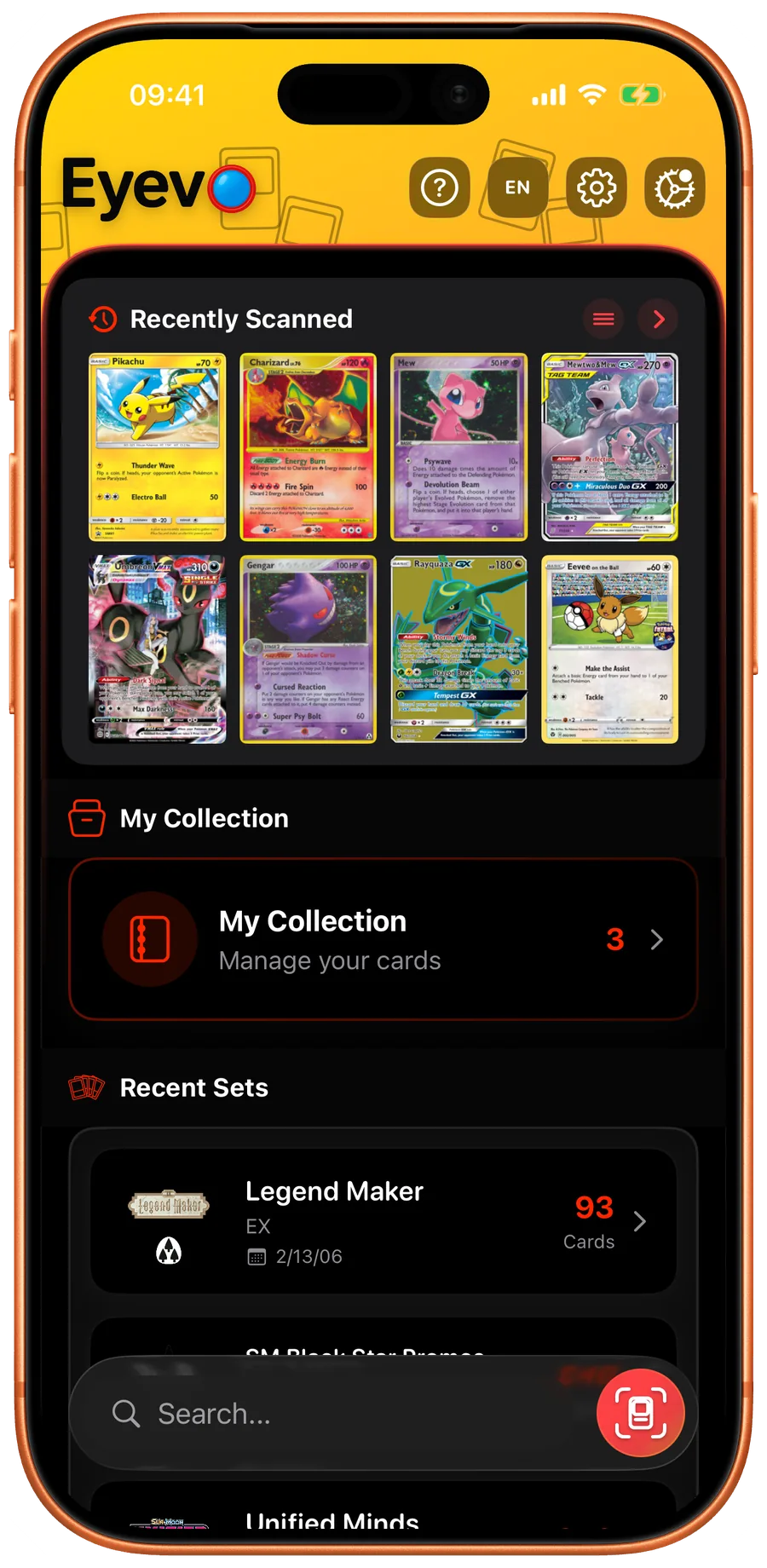
Eyevo is a Pokemon card scanner and collection tracker. Scan cards live or from photos, check available values and organize the copies you own. Keep wishlists and set checklists alongside your collections. Sync selected collections across your own devices with Pro.
- iPhone, iPad and Android
- Cards in English, German, French, Spanish, Italian, Portuguese, Japanese and Traditional Chinese.
- Values for PSA, BGS, CGC, SGC, ACE and TAG grades
Scan & identify
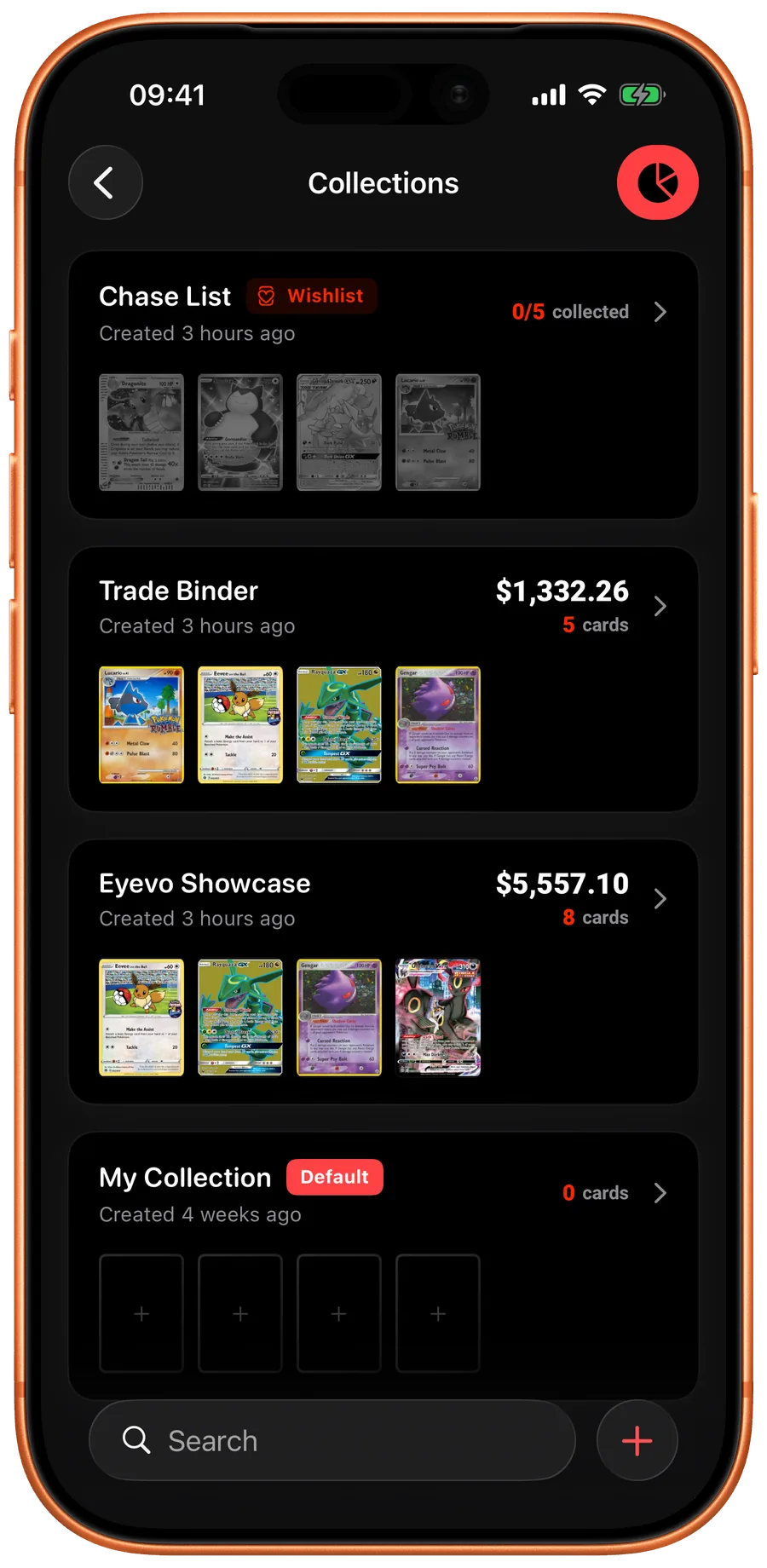
Point your camera at a card or choose a photo. Review the result, confirm the printing and check available values.
-
Live Card Scanner
Point your camera at a card, review the result and confirm the printing before adding it to your collection.
-
Scan from Photo
Choose up to five photos, with one card in each. Check the results, confirm the printings and grades, then add the cards you select.
-
Scan Sessions
Scan cards one after another. Review the session list, correct any matches and add the selected cards to a collection.
-
Works Offline
Scan cards, search the catalog and browse your collections without a connection after the initial download.


Prices & value
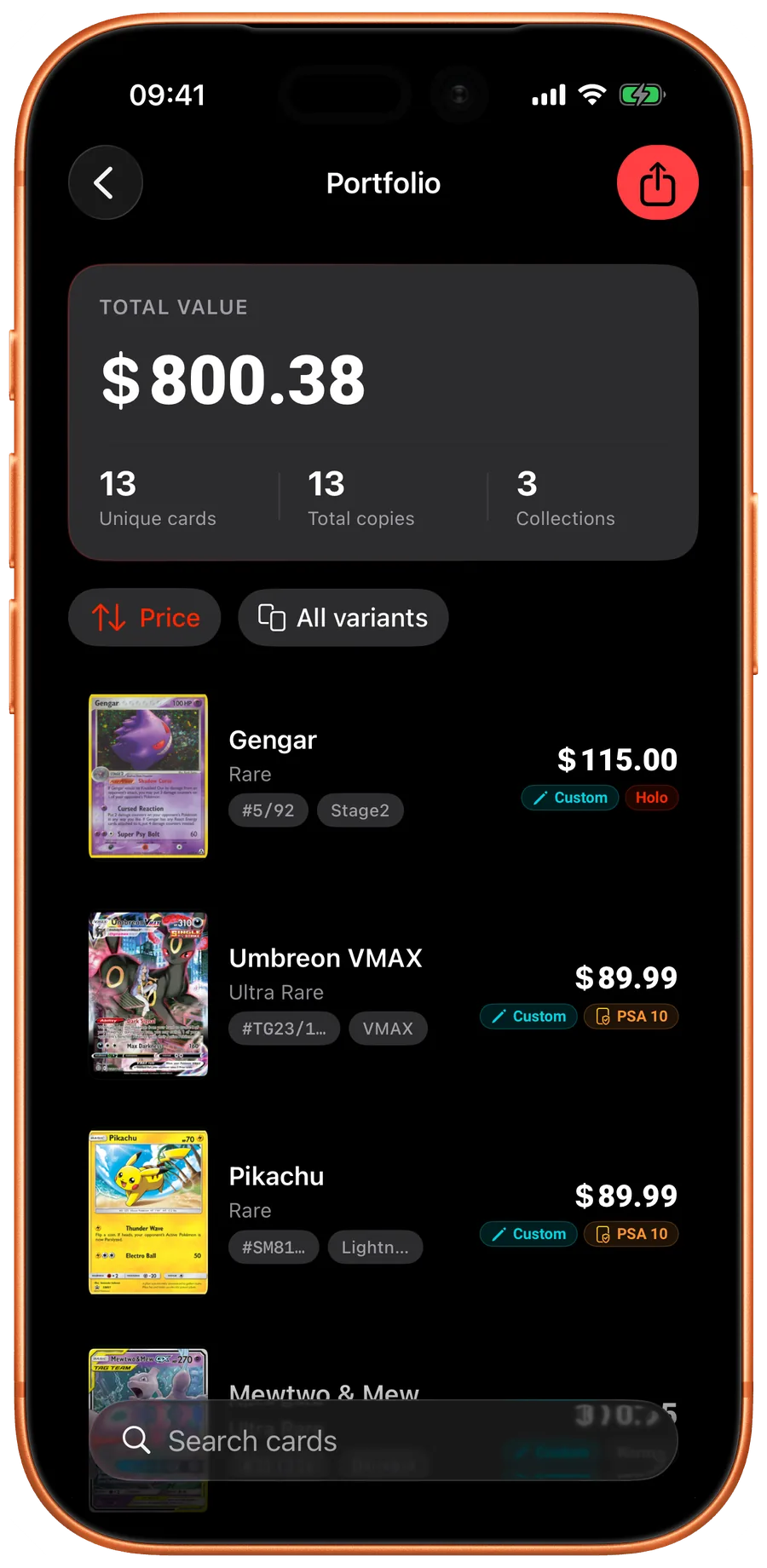
Check available card values, compare graded and ungraded copies, and follow changes over time.
-
Market Prices
Check available Pokemon card values in your preferred currency and keep track of your collection.
-
Graded Card Prices
Compare available values for PSA, BGS, CGC, SGC, ACE and TAG grades alongside the ungraded card.
-
Exact Printing & Variants
Choose the printing you own, such as normal, holo, reverse holo or first edition. Eyevo keeps it with your saved copy.
-
Price History
See how a card's price has moved over time and scrub to a specific day. Available history varies by card.


Collection & portfolio
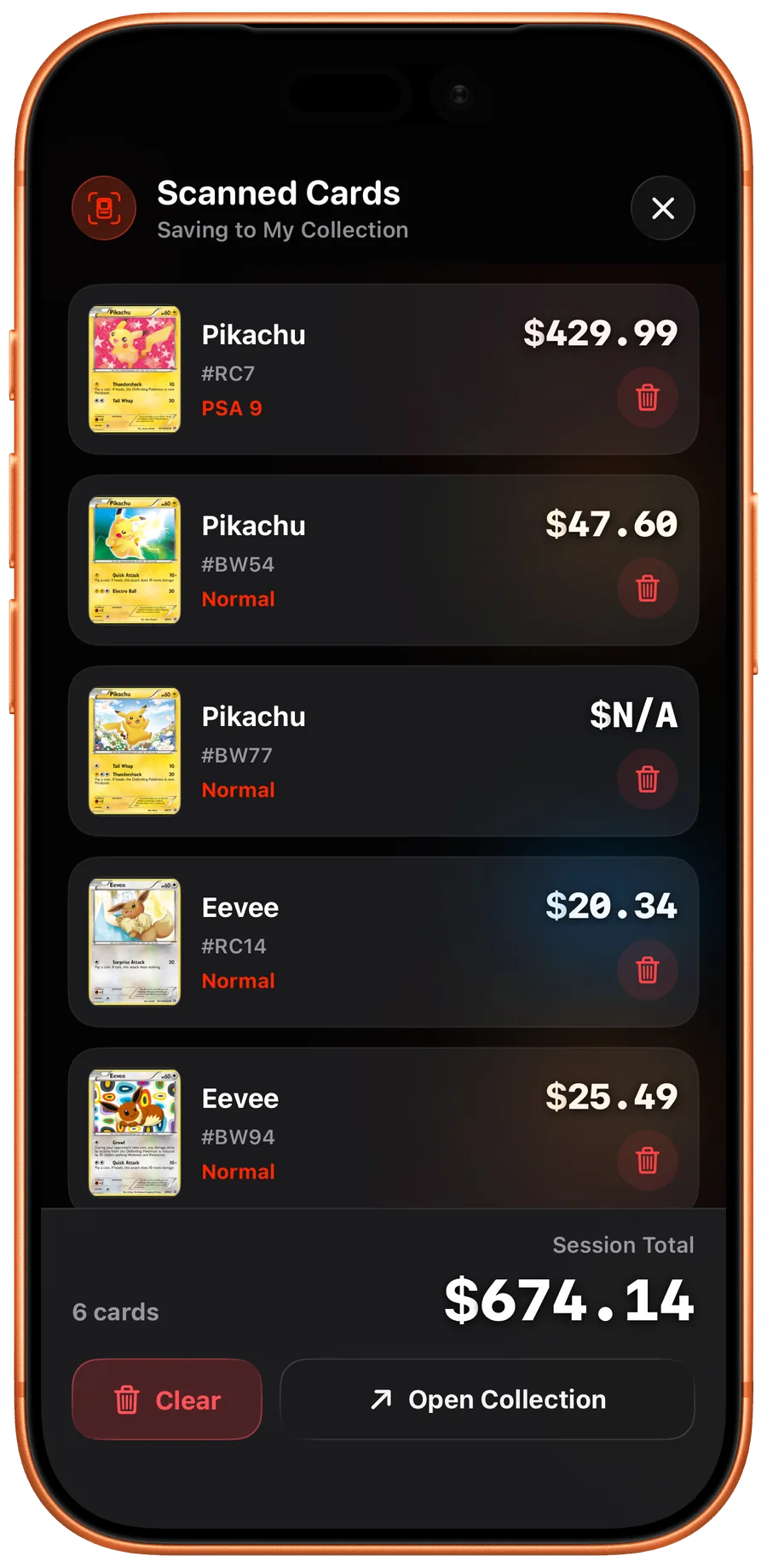
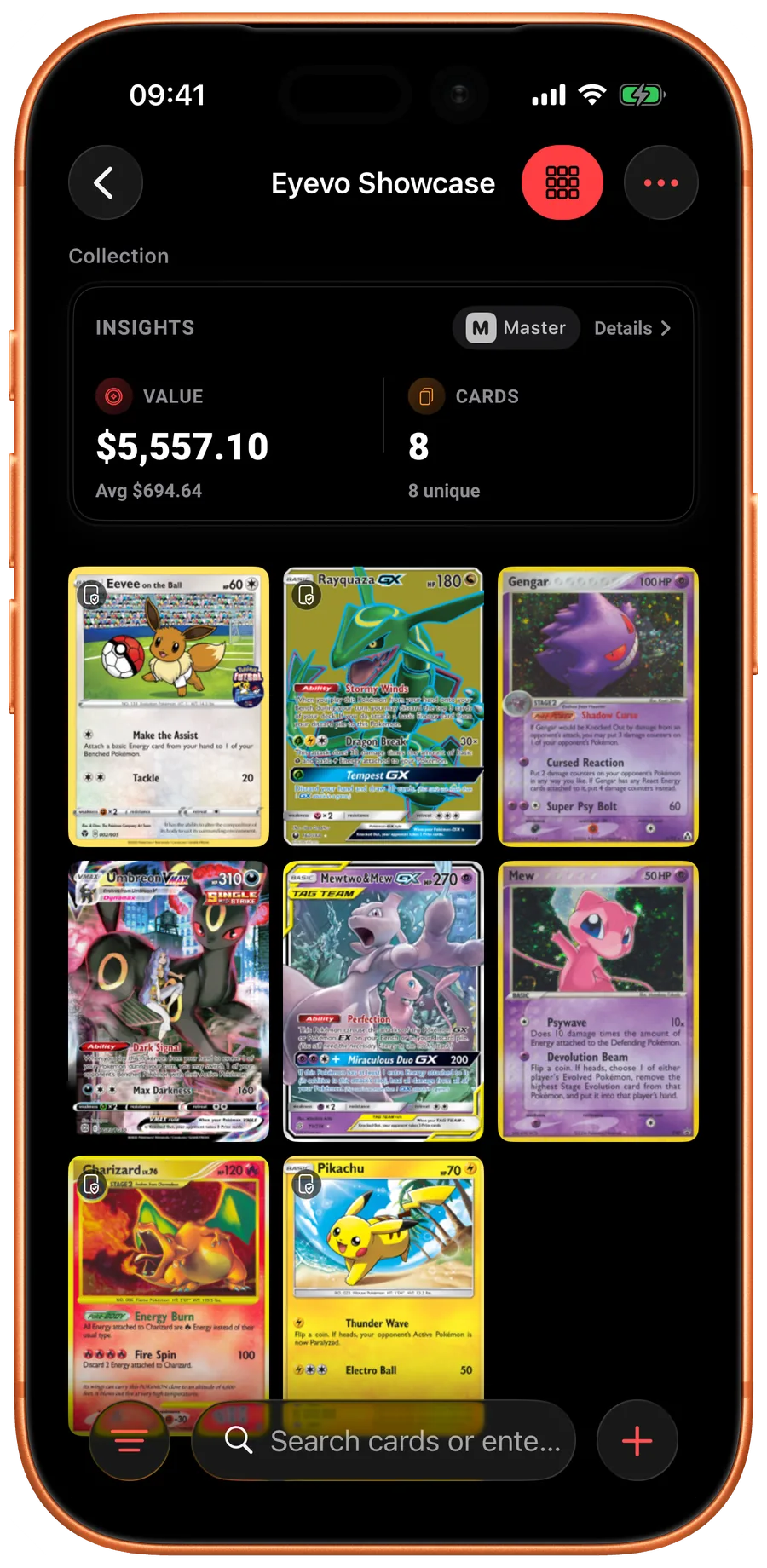
Keep the copies you own in separate collections. Check their estimated value and find the cards you still need.
-
Collection Tracker
Record each copy with its printing, grade, language and optional custom value. Rename collections and move cards between them.
-
Portfolio Value
See one estimated total across your collections and follow changes with daily snapshots.
-
Collection Insights
See collection breakdowns, set progress and the cards with the largest value changes over time.
-
Master Set Tracking
Track catalogued printings separately, including reverse holos and special patterns. Filter to the copies you still need.
-
Wishlist
Keep wanted cards in one place, check their estimated total and mark a copy as collected when you get it.
-
Sealed Products
Browse sealed products, keep them in your collections next to your cards, or add a custom product with your own value.
-
iPhone Duo
A two-page binder on the fold, the scanner beside your scanned cards and two columns across the app.


Sync, share & export
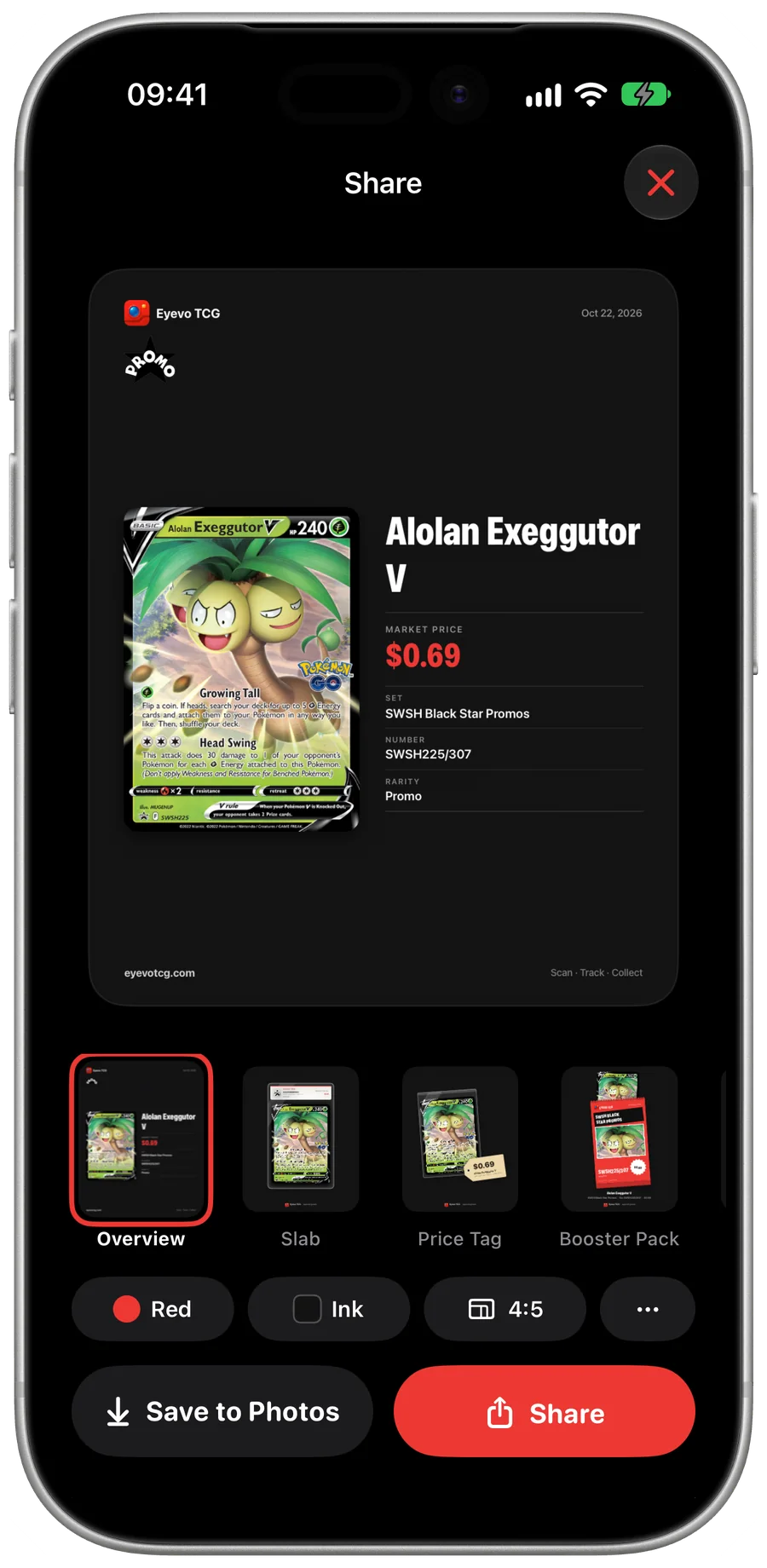
Sync selected collections across your own devices with Pro. Share a collection, send an image or export a file.
-
Sync & Backup
Choose which collections to back up and sync across your own iPhone, iPad and Android devices. Pair them with a key or QR code.
-
Collection Links
Send a one-time copy of a collection, share a live read-only link, or invite someone to edit one collection with you.
-
Share Studio
Create an image of a card, set, collection or portfolio to send or post. Collections, sets and your portfolio can also become short video stories.
-
Export Your Data
Export a collection as CSV, JSON or plain text — including a CSV ready for TCG PowerTools.
-
Widgets
See cards, sets and collection values from your Home Screen. Widget choices differ between iPhone, iPad and Android.


Database, AR & languages
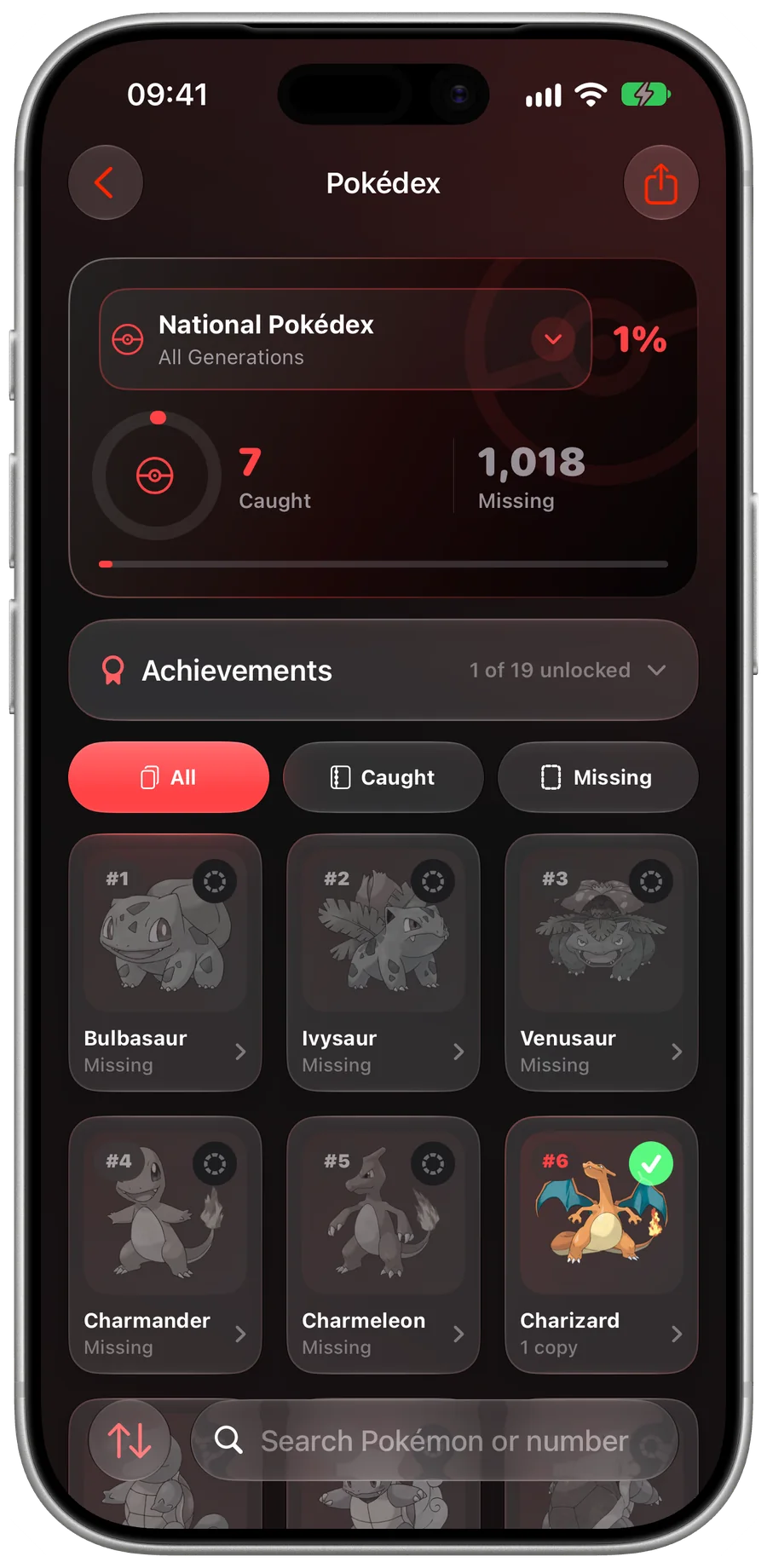
Look up cards and sets in English, German, French, Spanish, Italian, Portuguese, Japanese and Traditional Chinese, and explore cards around you in AR.
-
Card Database & Search
Search the card catalog on your phone, browse sets and series, and filter results — no connection needed once it's downloaded.
-
Card Languages
Cards in English, German, French, Spanish, Italian, Portuguese, Japanese and Traditional Chinese.
-
Japanese Cards
Browse, scan and collect available Japanese cards. Download the catalog inside the app.
-
Traditional Chinese Cards
Browse, scan and collect available Traditional Chinese cards. Download the catalog inside the app.


Walkthroughs for your collection
All walkthroughsQuestions
Quick answers.
More answers in the FAQ.
Does Eyevo work offline?
Yes. After the initial download, you can scan cards, search the catalog and browse your collections offline. Price updates, some photo checks and sync need a connection.
Read the full answerCan Eyevo scan Japanese and Traditional Chinese cards?
Yes. Download the Japanese or Traditional Chinese card catalog in the app, then select it to browse and scan available cards.
Read the full answerWhich card values can I see?
Choose your display currency to see available values, including supported grading companies and grades. Coverage varies by card and printing.
Can I scan cards from photos I already took?
Yes. Choose up to five photos, then confirm each card’s printing and grade. The first 10 successful identifications are free; after that, photo scanning is part of Pro.
Can I sync my collection between iPhone and Android?
Yes, with Pro. Pair your own devices with a private sync key or QR code and choose which collections to sync.
Scan your first card.
Get Eyevo on the App Store or Google Play. Pro adds Sync & Backup, unlimited photo scans and more.