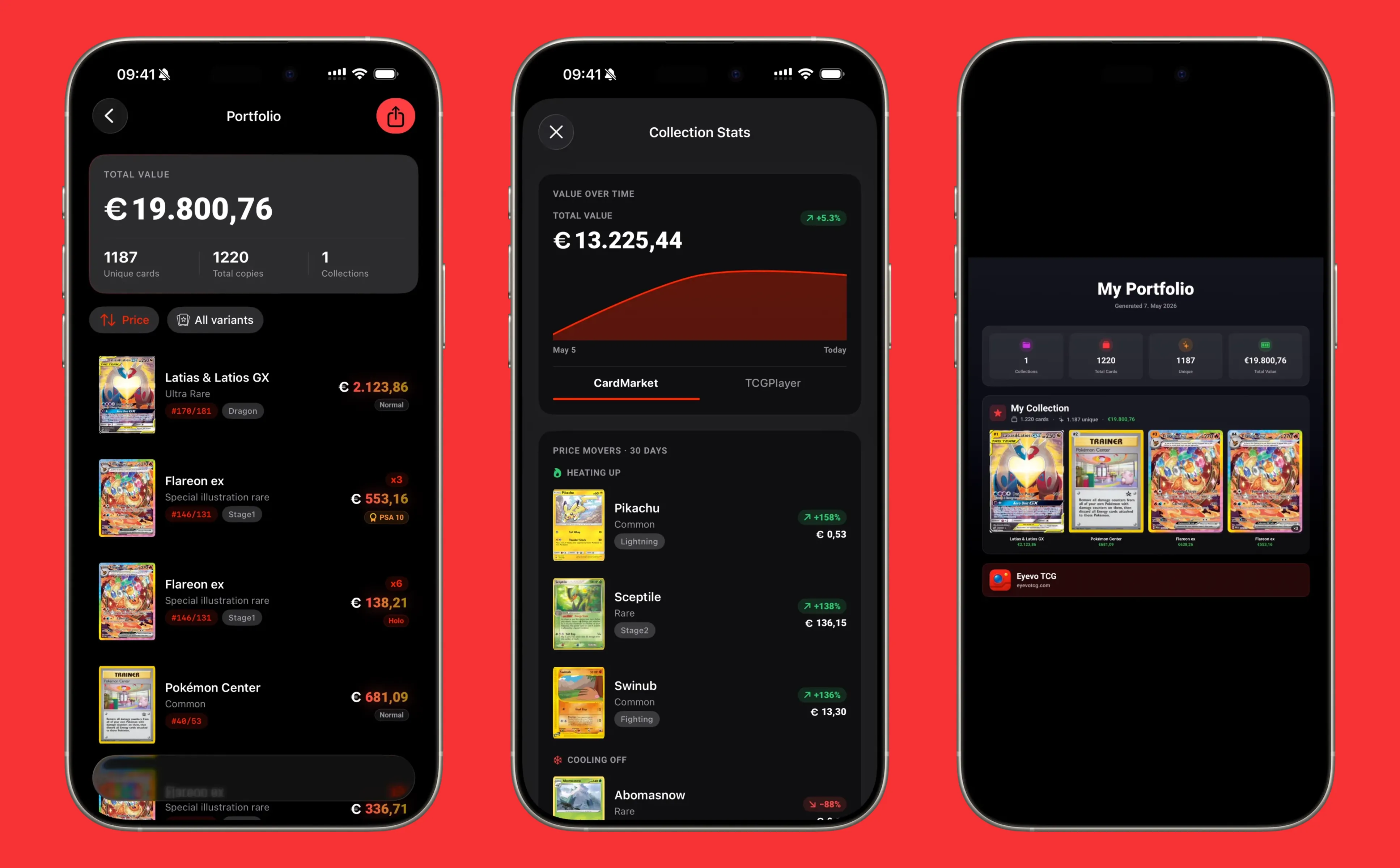
Import an Existing Pokemon Collection into Eyevo
If you’ve been tracking a Pokemon collection in another tool — a spreadsheet, a competing app, an old export from somewhere — you don’t need to re-scan everything to get into Eyevo. Here’s how to migrate.
What you can import
Eyevo accepts cards by set + number + variant + (optional) grade. That’s the same minimum schema every serious tracker exports, so most exports translate cleanly.
Specifically, an import can include:
- Set code or set slug (e.g.
sv4orparadox-rift) - Card number within the set
- Variant — normal, holo, reverse, 1st edition, etc.
- Grading company and grade — PSA 10, BGS 9.5, CGC Perfect 10, ACE 10, etc.
- Custom price — if you bought it for a specific number you want to remember, Eyevo stores that alongside the live market value
After the import
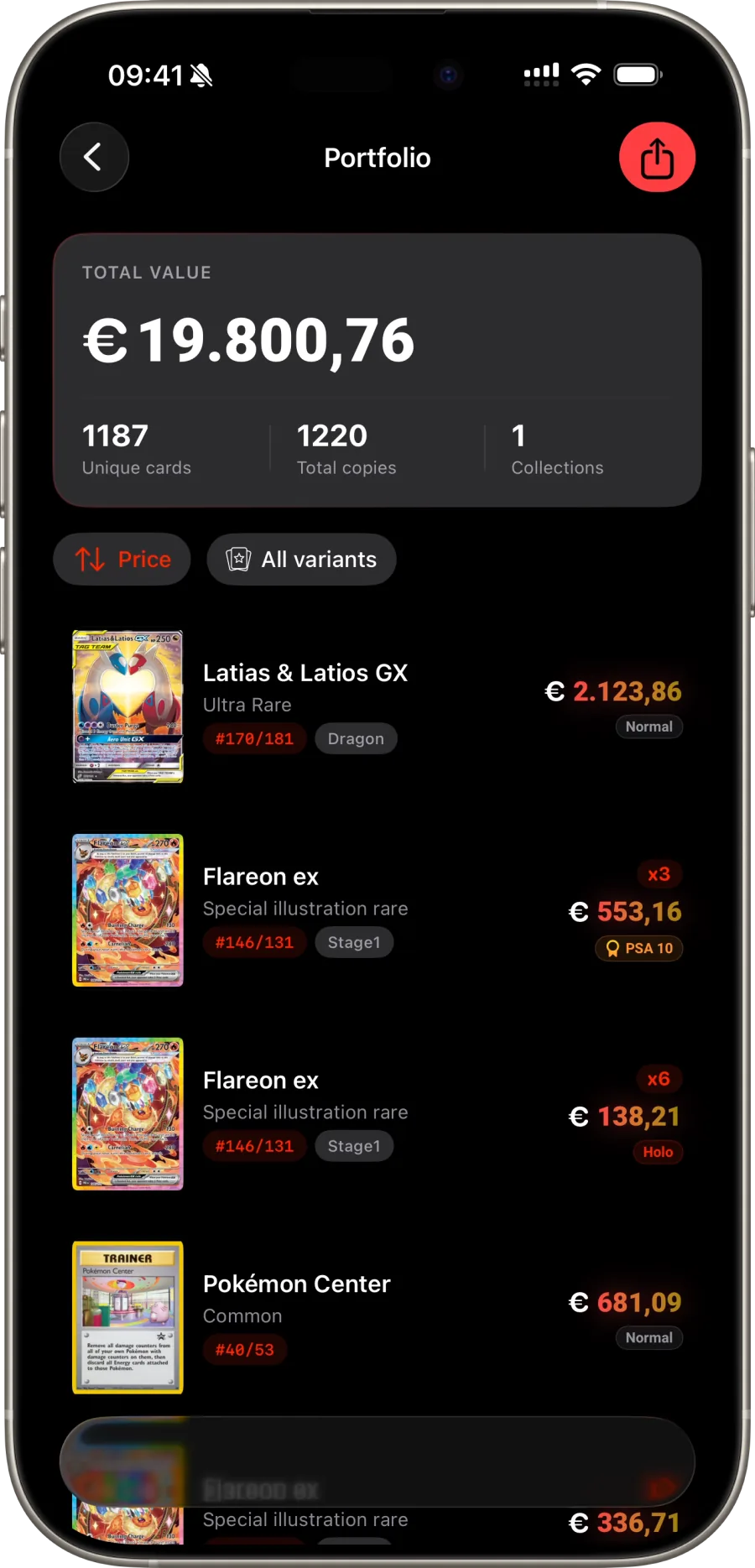
The moment your import lands, Eyevo applies live pricing across every card. That means:
- Your total portfolio value updates immediately
- Variant-specific prices apply (a reverse holo gets the reverse holo comp, not the non-holo)
- Graded slabs get their company-and-grade comp
- Daily snapshots start tracking value-over-time from day one
Custom prices vs market prices
If you tracked purchase prices in your old tool, bring them. Eyevo stores your custom price separately from the live market price — useful for honest P&L tracking without losing the current market view.
After import, what to check
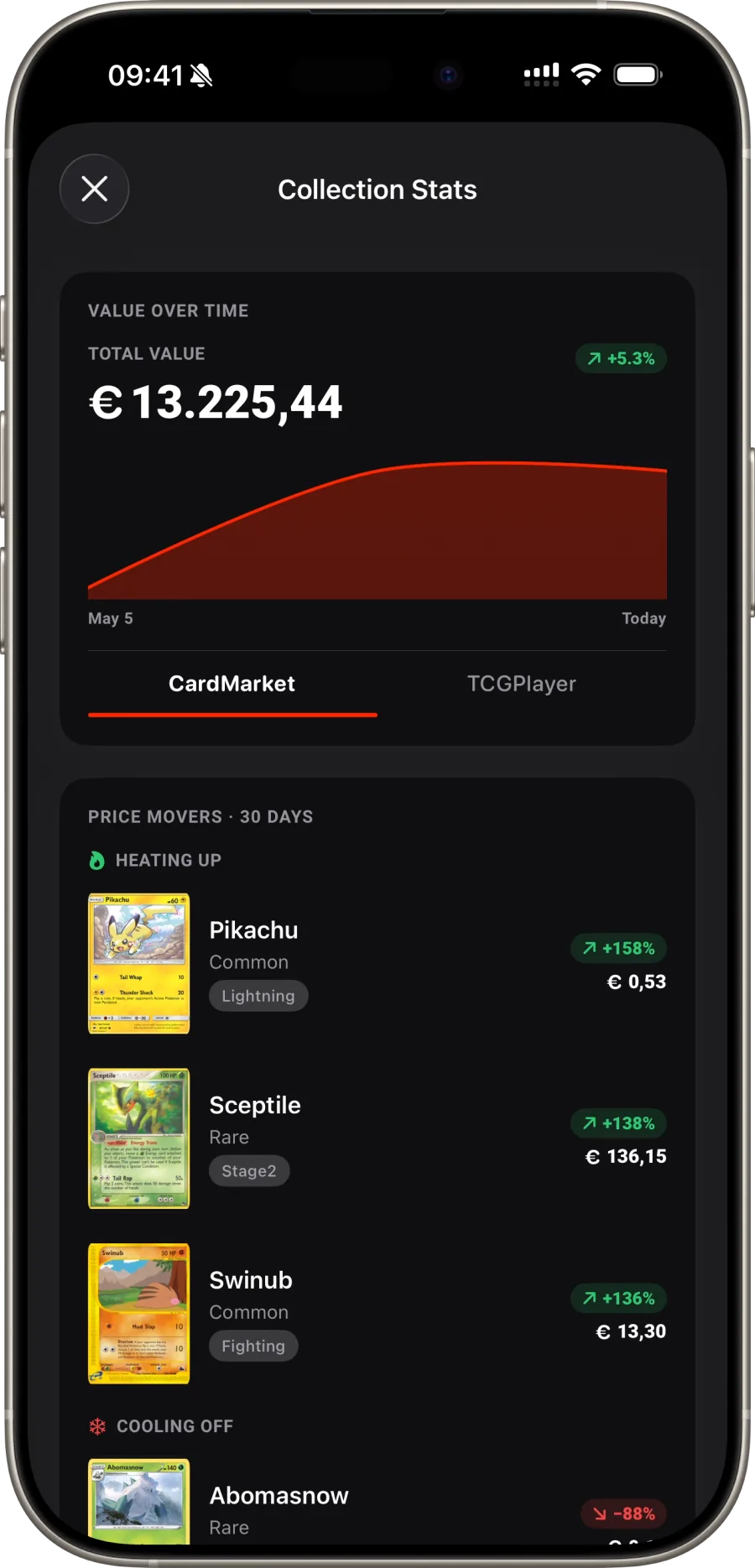
Open the Collection Insights sheet. The value-over-time chart starts from your import date, the top movers list ranks your highest-impact cards, and the set completion view tells you what to chase next.
Learn more: Portfolio · Collection Insights
Scan, Identify & Track Your Pokemon Cards
Lightning-fast card recognition powered by AI. Build your collection, track values, and explore the complete Pokemon TCG database.