How to Share Your Pokemon Cards and Collection from Eyevo
Pulled a sick card? Want to show off your collection? Eyevo makes it easy to create beautiful, shareable images of your Pokemon cards.
Sharing Individual Cards
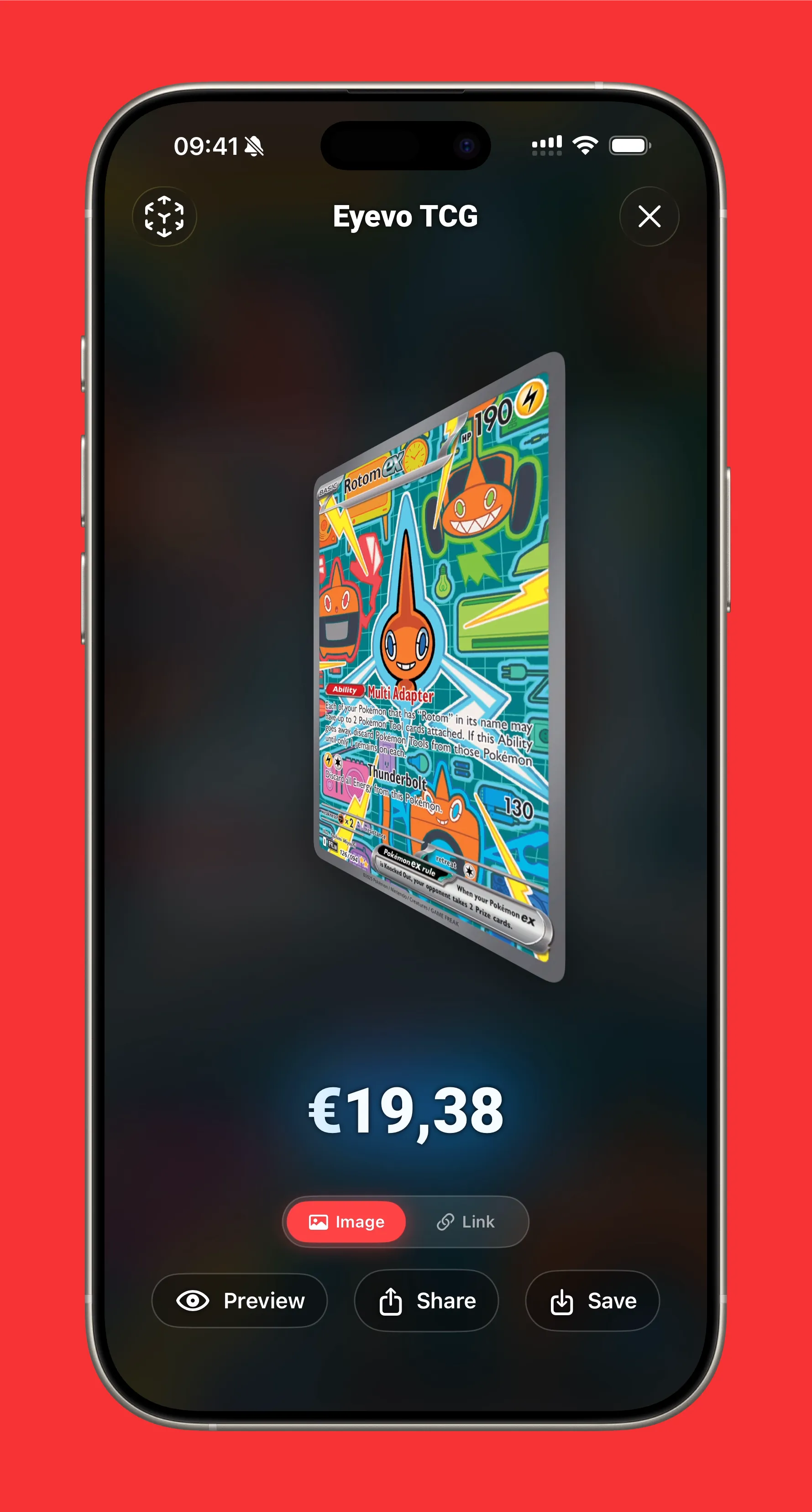
From any card’s detail view, tap the card to open the Card Presenter. This gives you a full-screen, spinnable view of your card with sharing options.
Share Modes
Toggle between two sharing modes:
Image Mode
- Preview — See exactly what will be shared
- Share — Send via Messages, social media, email
- Save — Download to your photo library
Link Mode
- Copy Link — Copy the card’s web URL to clipboard
- Share Link — Send the link via any app
What’s Included in Share Images
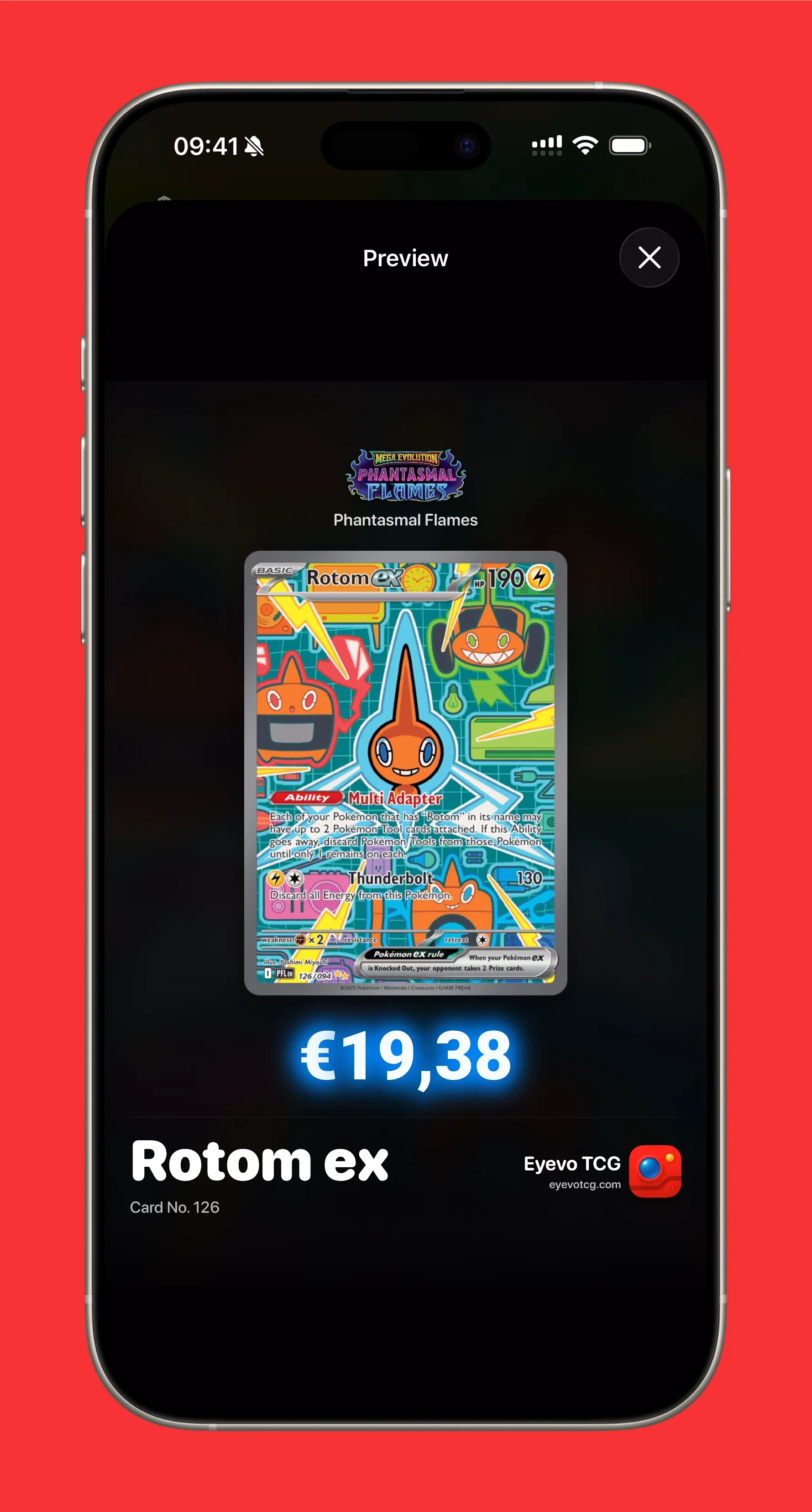
Eyevo generates professional-looking share cards that include:
- High-resolution card artwork
- Set logo and symbol
- Current market price (color-coded by value)
- Card name and number
- Eyevo branding with website URL
The composed image is perfect for:
- Instagram stories and posts
- Twitter/X card showcases
- Discord trade channels
- eBay listings
- Personal collection archives
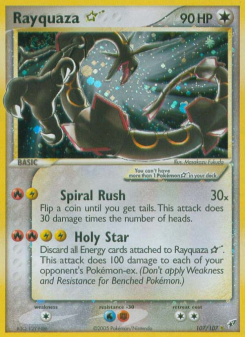
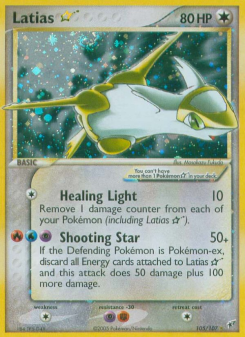
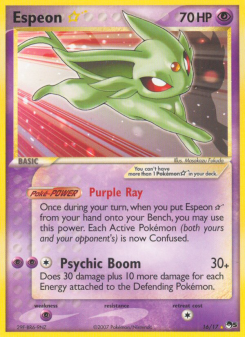
🏆 Cards Worth Sharing
Sharing Your Collection
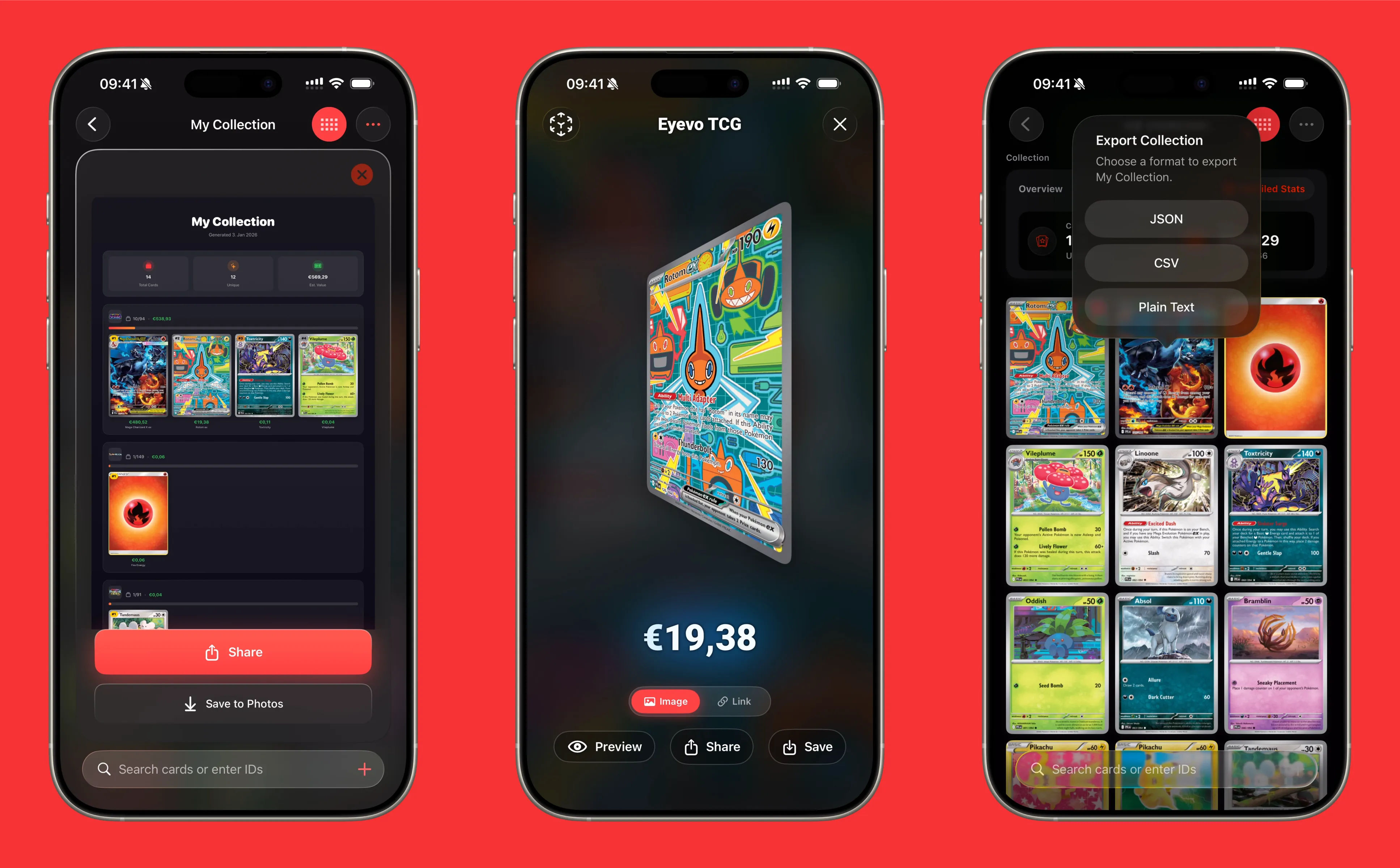
Beyond individual cards, Eyevo can generate a collection summary image showing your entire collection at a glance.
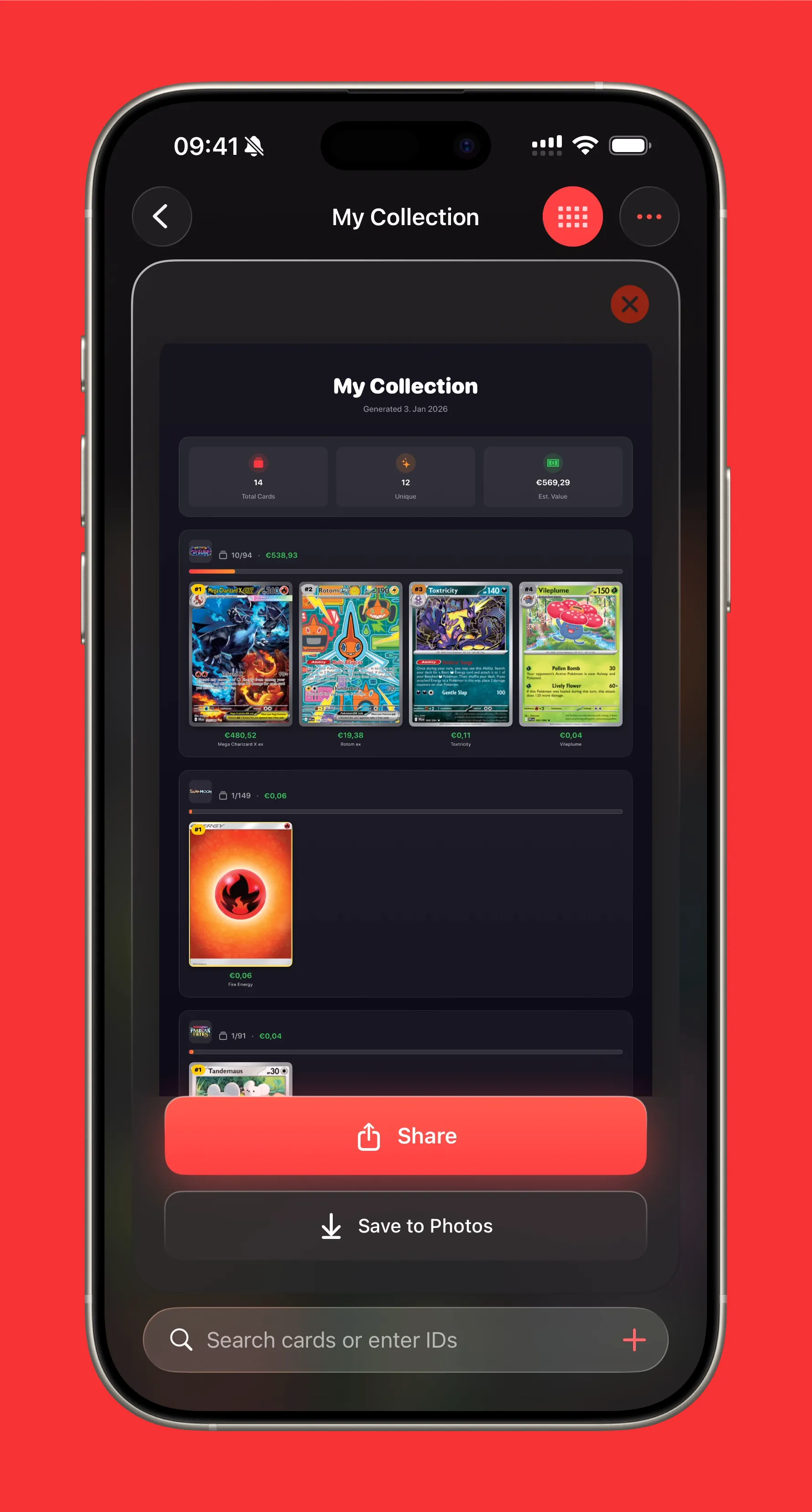
Collection Share Includes
- Collection name and generation date
- Stats overview — Total cards, unique cards, estimated value
- Top sets — Your most collected sets with progress bars
- Top cards per set — Most valuable cards ranked with prices
- Professional styling with dark theme and gradients
How to Share Your Collection
- Open your collection from the main screen
- Tap the share icon in the navigation bar
- Choose Share as Image
- Preview, then share or save
The image dynamically sizes based on your collection, showing up to 5 sets with their top 4 cards each.
Export Options
Need your collection data in a different format? Eyevo also supports data exports:
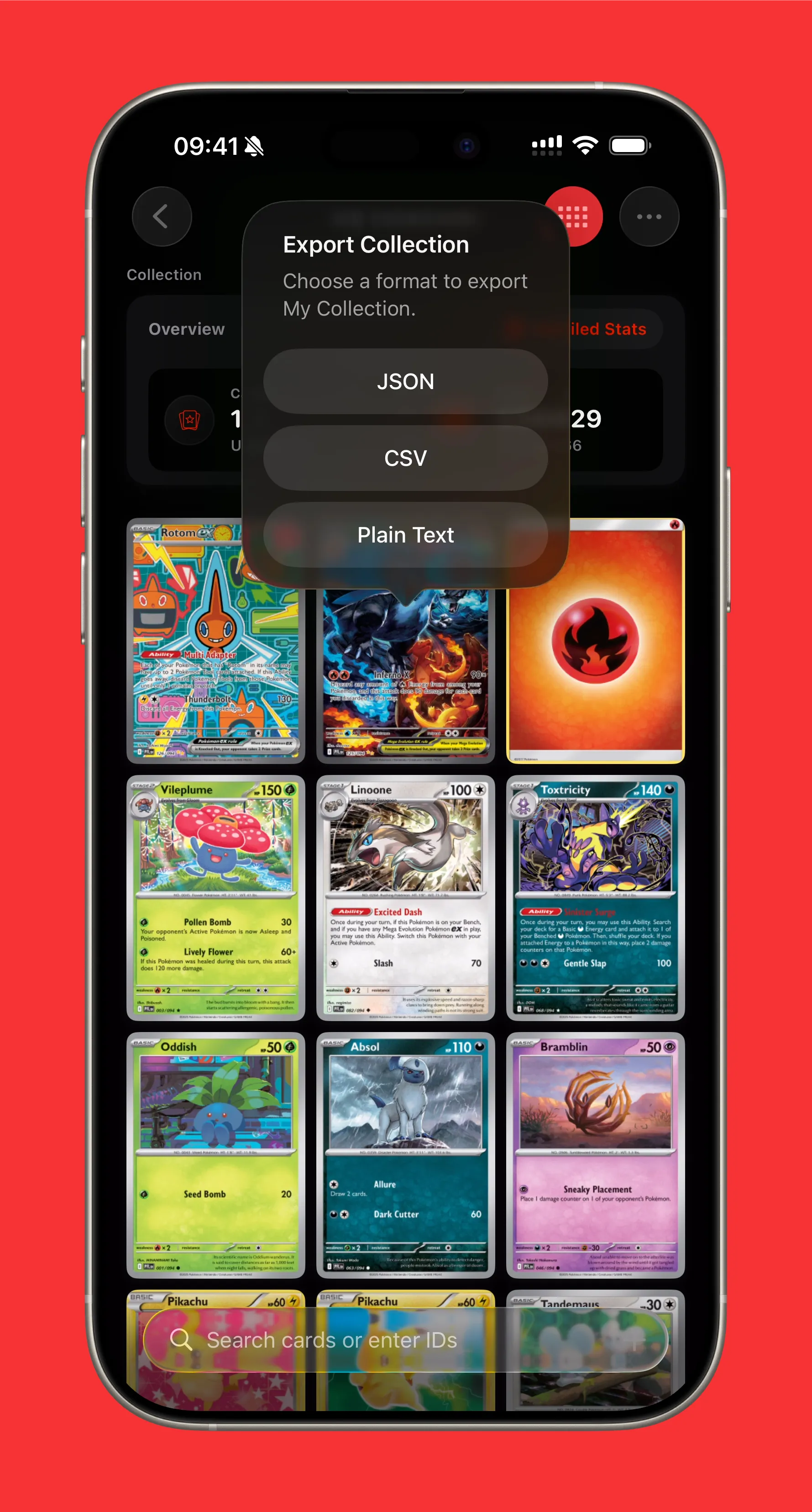
- CSV — For spreadsheets (Excel, Google Sheets)
- JSON — For developers and integrations
- Text — Simple format for forums and messages
See our full export guide for details.
The Interactive Card Presenter
The card presenter isn’t just for sharing — it’s an interactive experience:
- Spin the card — Drag left/right to rotate in 3D
- Zoom in — Pinch to examine details
- Pan around — Drag while zoomed to explore
- See the back — Spin 180 degrees to view the card back
- Auto-reset — Card returns to front-facing after 2 seconds of inactivity
There’s even a satisfying momentum physics system — flick the card and watch it spin!
Tips for Great Shares
- Update prices first — Pull down to refresh before sharing for current values
- Choose the right mode — Image for visual impact, Link for quick sharing
- Check your collection name — It appears on collection shares
- Sort strategically — Value sort shows your best cards first
Share Your Cards Today
Download Eyevo and create beautiful shareable images of your Pokemon collection.
Pokemon TCG Card Scanner Know Exactly What It’s Worth.
Eyevo identifies the exact printing in under a second, then shows live raw, graded, and sold prices. Recognition works offline, and your collection stays on your device.