

Track the cards you're hunting

Wishlists keep your target cards in one place — with live prices, so you always know what completing the list would cost.

Build lists from card actions

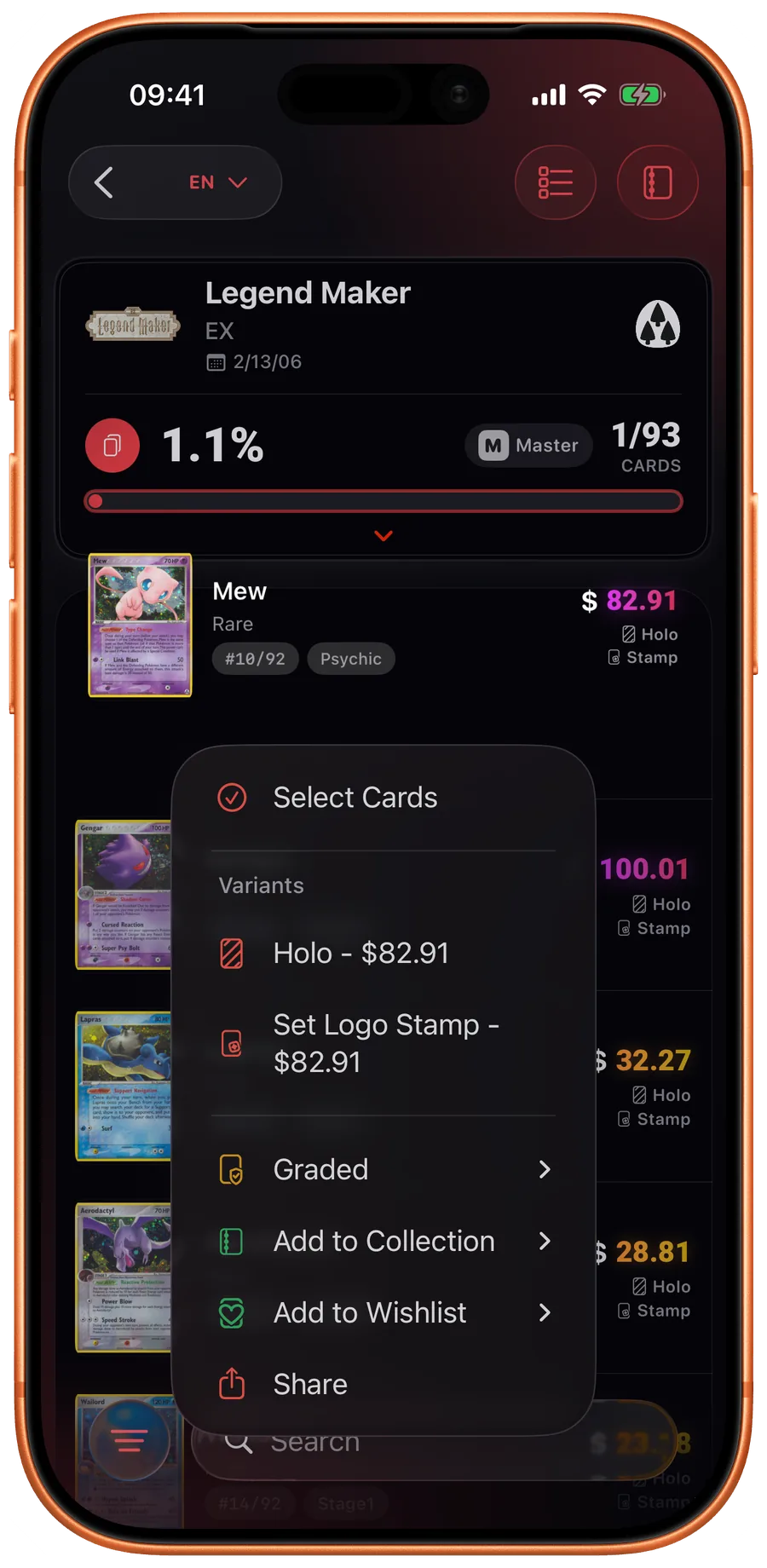
Card actions in Eyevo
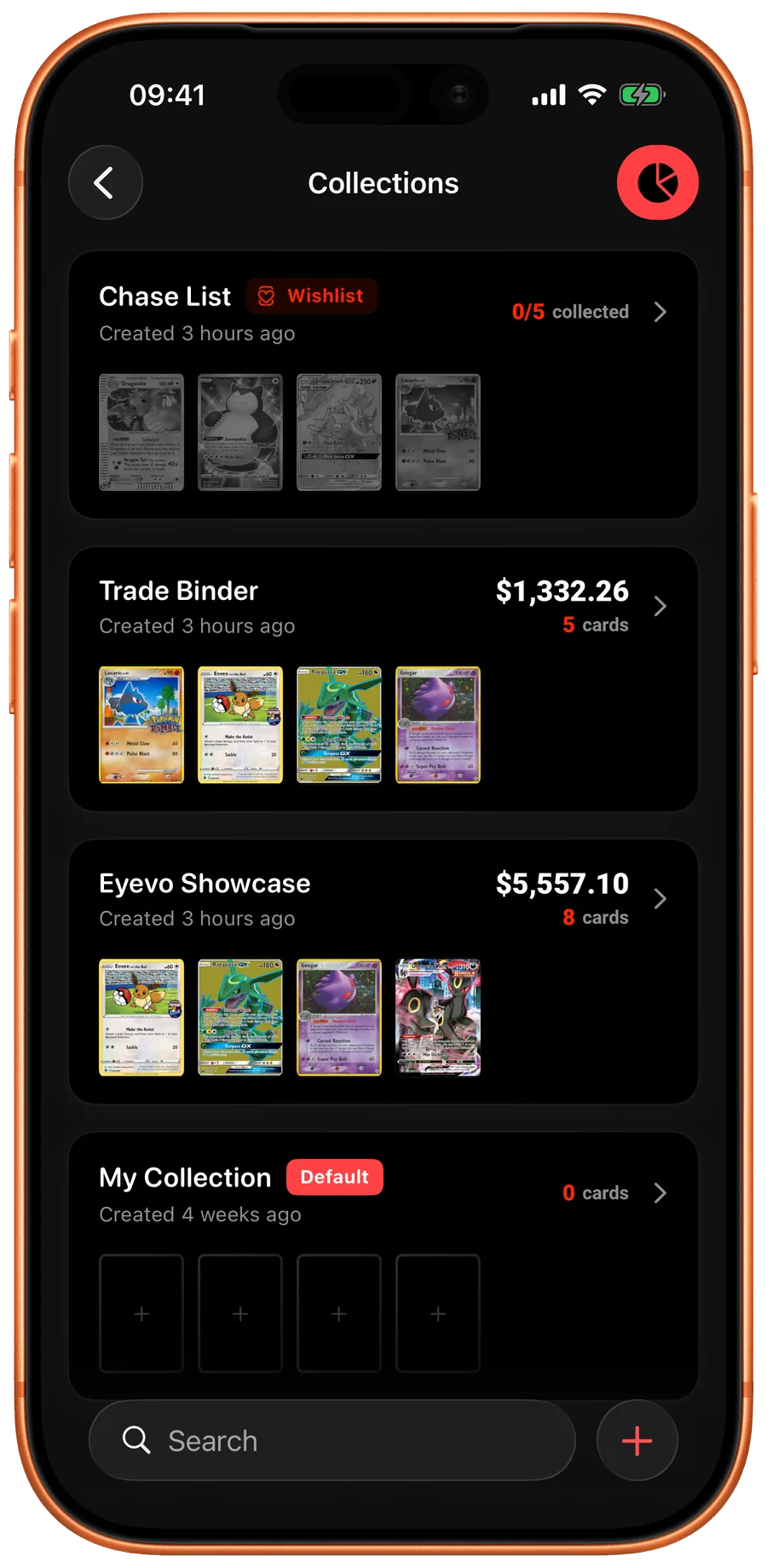
Collections in Eyevo
Add picker in Eyevo

Every target in one place

Add cards to a wishlist from the scanner, search, or any set — and keep chase cards, trade targets, and binder gaps organized.

Live wishlist value

Every wishlist shows its total market value, so you know exactly what completing it would cost today.

One tap when you pull it

The moment you pull or buy a card, move it from wishlist to collection in a single tap — variant and all.

Eyevo 5.0 adds wishlists: dedicated lists for the cards you're hunting, with live market pricing attached. Add cards from the scanner, search, or any set page, see what completing the list would cost at today's prices, and move a card into your collection with one tap the moment you finally pull it.

One place for every target

Chase cards, trade targets, binder gaps — wishlists keep them all in one place instead of scattered across screenshots and notes. Any card in the database can be wishlisted, in the exact variant you want: the reverse holo, the 1st edition, the Japanese print.

Wishlists live alongside your collections, so the cards you want and the cards you own share one system — same search, same set structure, same pricing.

Priced like a shopping list

Every wishlist shows a live total: what buying every card on it would cost at current market prices. Individual entries carry their own price, so you can spot which targets are drifting up and grab them before they run.

Because pricing is variant-aware, the total reflects the printings you actually want — a wishlist of reverse holos is priced as reverse holos, not as their cheaper normal prints.

From wishlist to collection in one tap

The moment you pull, trade for, or buy a wishlisted card, one tap moves it into your collection — variant, language, and all. The wishlist shrinks, the collection value grows, and nothing gets logged twice.

Common questions

Can I have more than one wishlist?

Yes. Create as many wishlists as you like — per set, per deck, per budget — and manage them alongside your collections.

Do wishlists show prices?

Yes. Each entry shows its current market price and every wishlist shows the live total cost of completing it.

What happens when I get a wishlisted card?

Move it to your collection in one tap — the card keeps its variant and language, and your collection value updates immediately.