

How the scanner identifies a Pokemon card
The scanner finds the card in the live camera frame, corrects for tilt and perspective, and works on a clean view of the artwork. It tolerates partial occlusion, glare from holographic foil, and angled shots — you do not need to lay the card flat or hold the phone perfectly steady.
Eyevo only confirms a match when its confidence is high. Below that bar the app shows nearby candidates instead of guessing — a deliberate trade-off, because a wrong match is worse than asking the user to confirm. In practice the scanner returns the right card on the first attempt for the vast majority of raw cards.
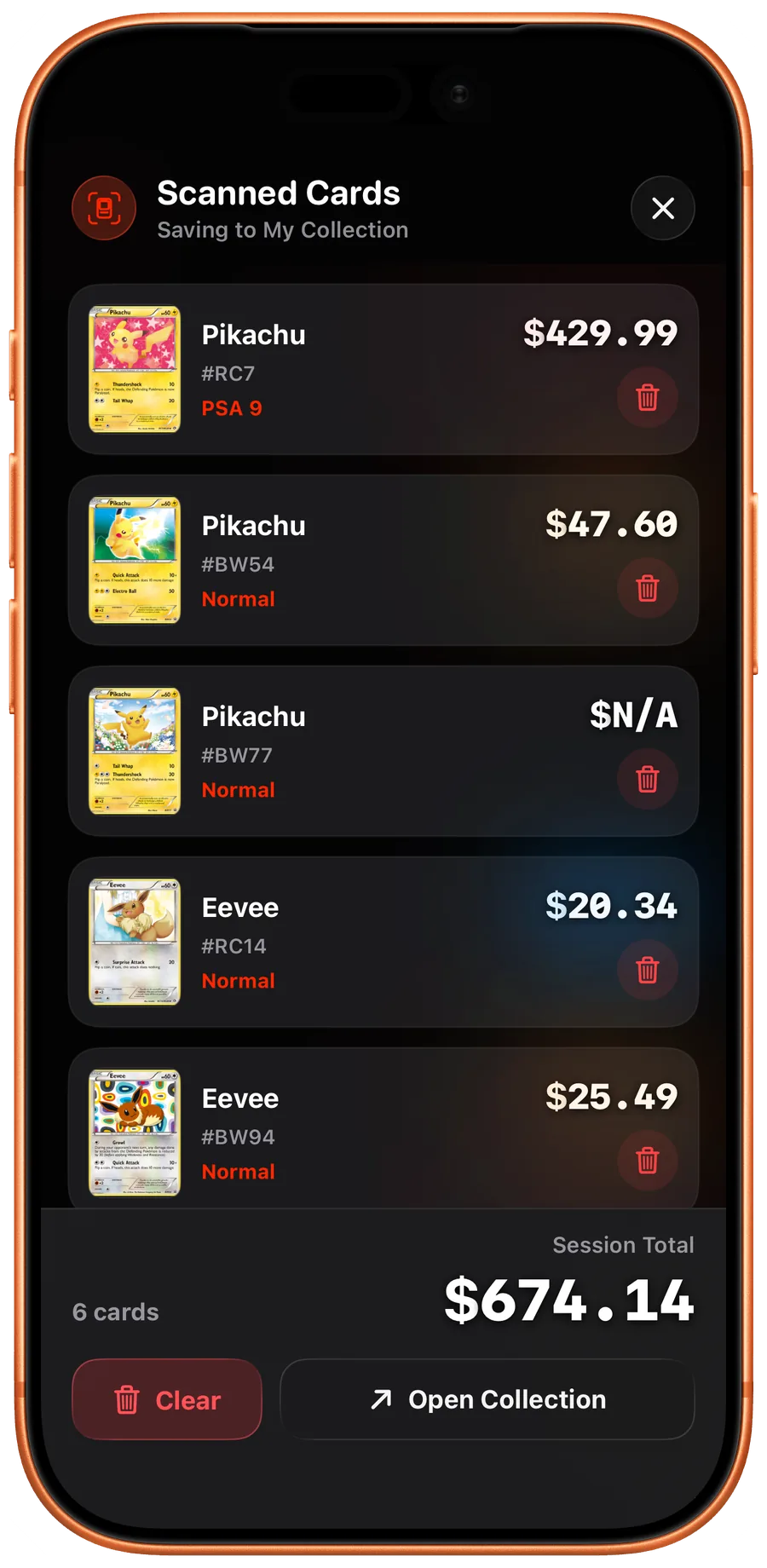
The scanner respects card variants from the moment of identification. A reverse-holo Pikachu, a Master Ball pattern reprint, and a normal-art version of the same Pokedex entry each resolve to a different card with its own pricing record. This matters because the value gap between variants of the same Pokemon often runs into double-digit multipliers.