

Your Data, Your Control

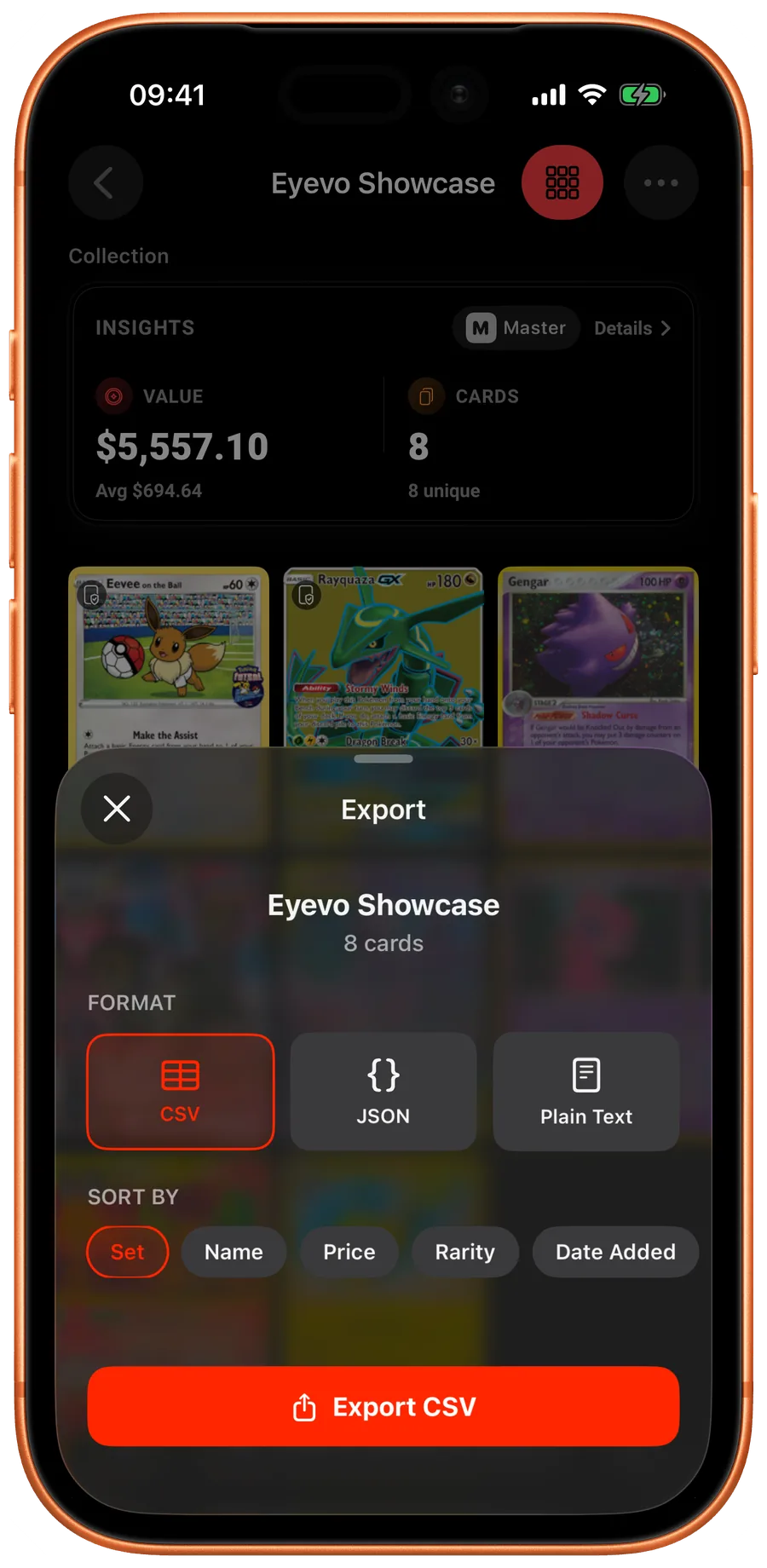
Export your collection to CSV for analysis or backup. Never lose your hard work.

Data Export Feature Preview

CSV Export

Easily export your entire collection to CSV format compatible with Excel and Google Sheets.

Easy Backup

Keep your collection data safe with local backups.

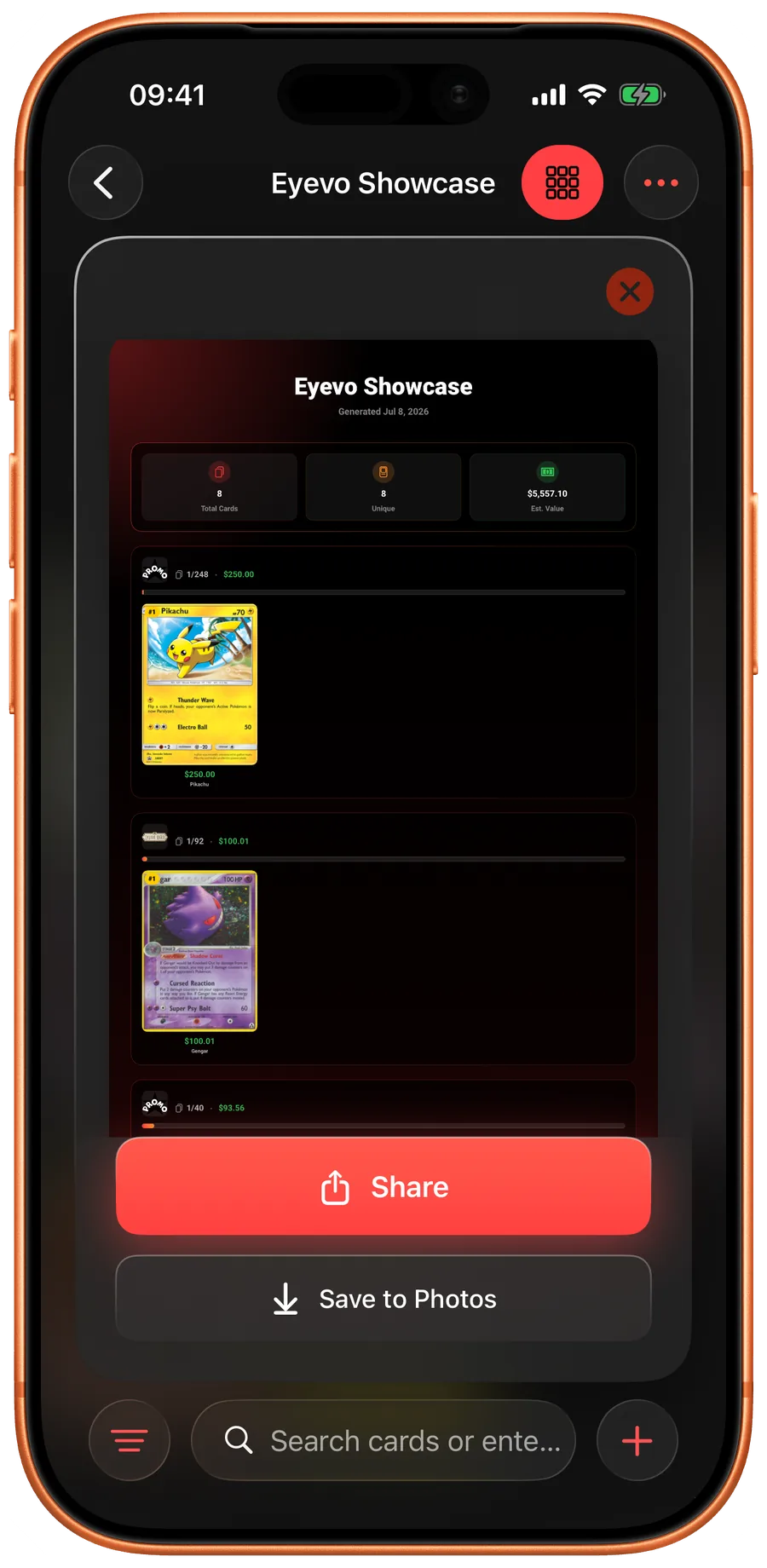
Shareable Lists

Generate lists to share with friends, potential buyers, or insurance providers.

Eyevo exports your full collection to CSV in one tap. The file is a clean, human-readable table with one row per card and columns covering set, name, number, rarity, variant, language, condition, quantity, acquisition price, and current market value. It is shaped for Excel, Google Sheets, Numbers, and any portfolio tool that takes a CSV import.

What is in the export

Each row represents one copy of a card in a specific variant and condition. If you own three near-mint regular Charizards and one lightly-played reverse holo, that is four rows — not one row with a quantity of four flattened across variants. This makes the file useful for insurance documentation, auction prep, and cost-basis tracking.

Pricing columns capture the day's market value at export time, so the file is a snapshot you can pin to a date for tax records or year-over-year comparison.

Backup and migration

The CSV doubles as a portable backup. You can re-import the file to restore a collection on a new device, or use it to seed a collection in another tool if you ever stop using Eyevo. Your data is yours — the export is not a paywall trap.

For collectors who run their own spreadsheets, the column layout is stable across updates so existing pivot tables and lookup formulas keep working release after release.

Shareable lists

Beyond the full export, the app generates trimmed share-friendly lists for specific use cases: a trade list (cards you are willing to part with), a wants list (cards you are looking for), and a top-value list. These are sized to paste directly into a Discord channel, an email to a buyer, or a Reddit trade thread.