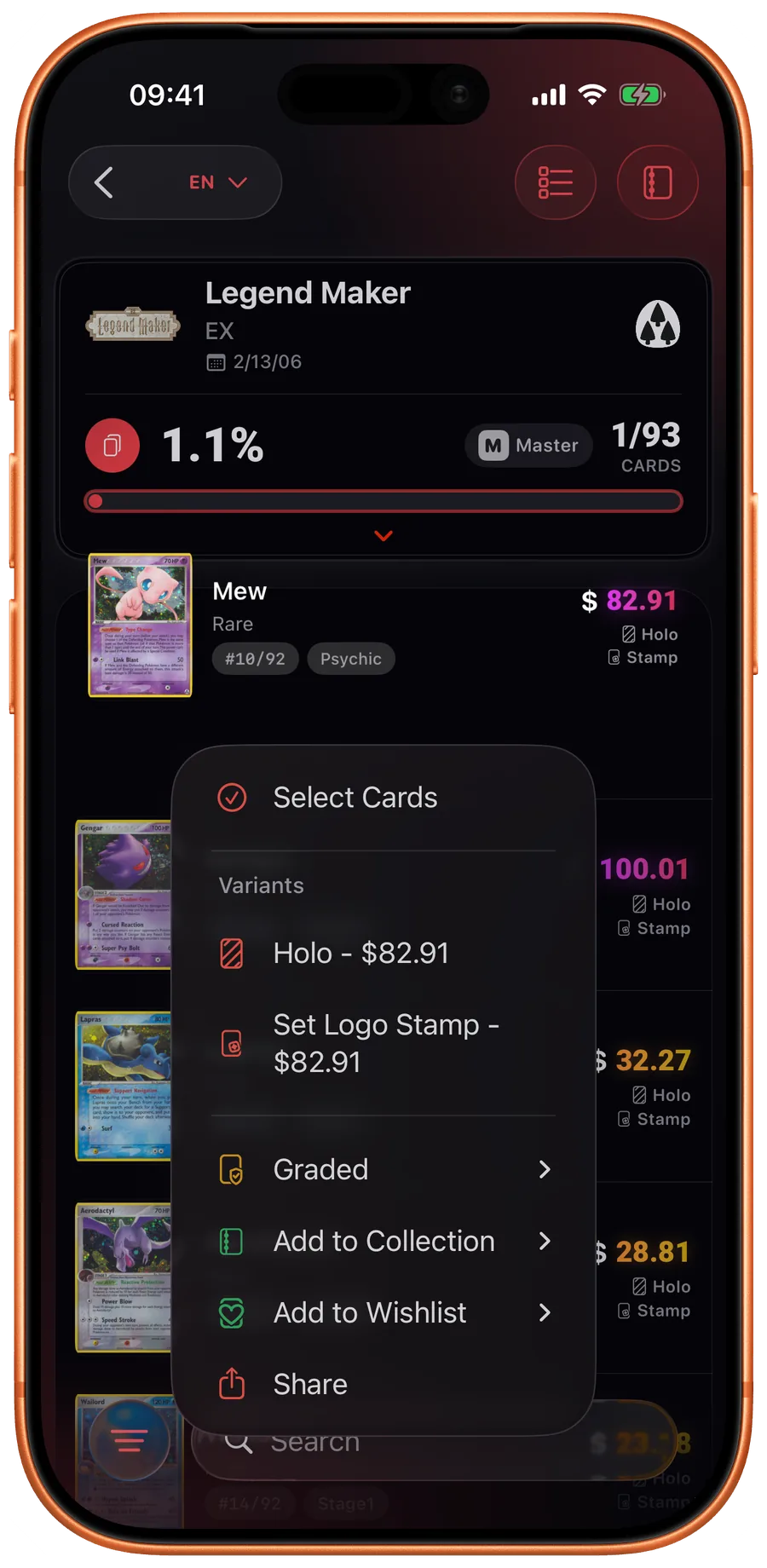
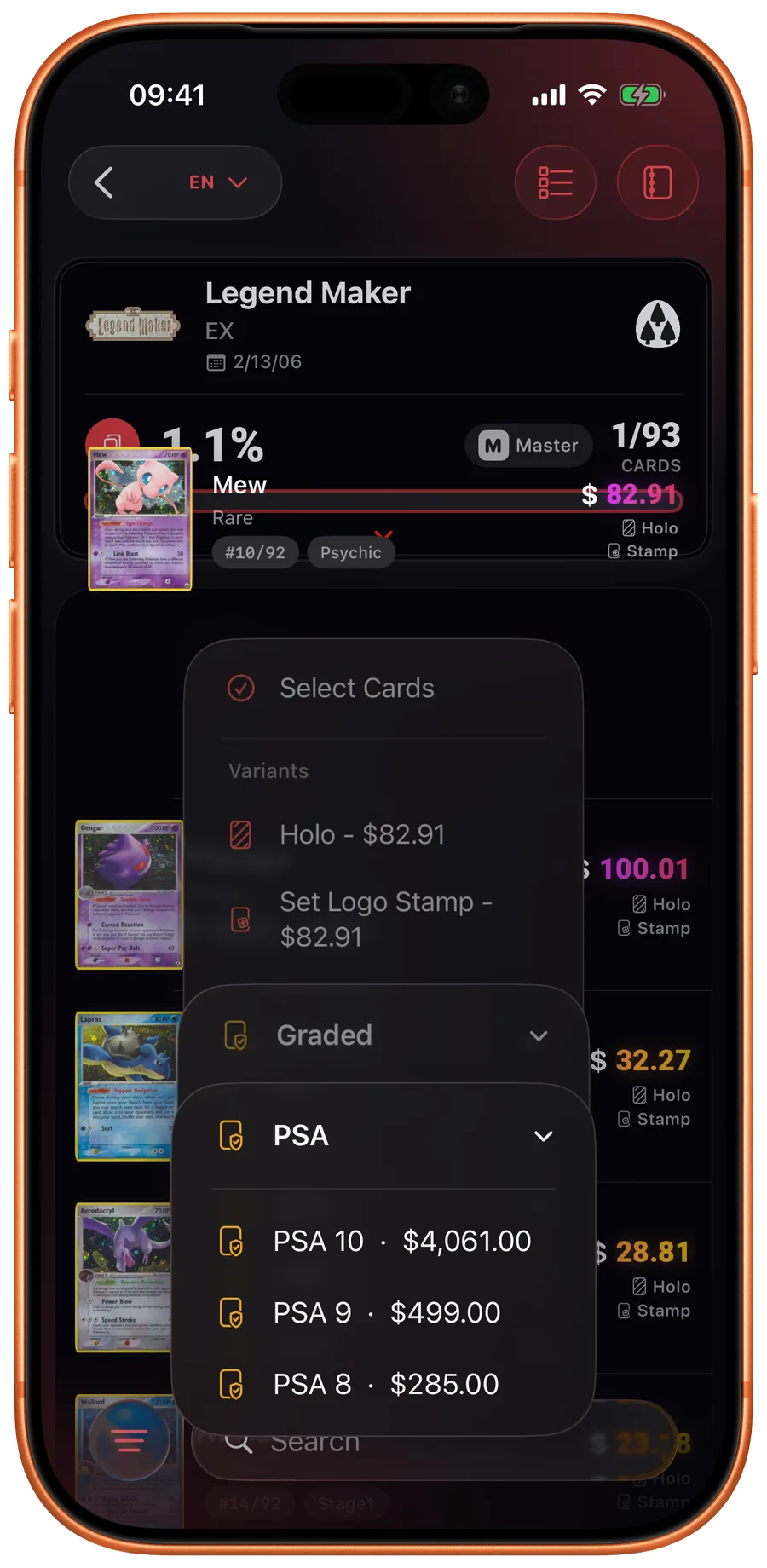
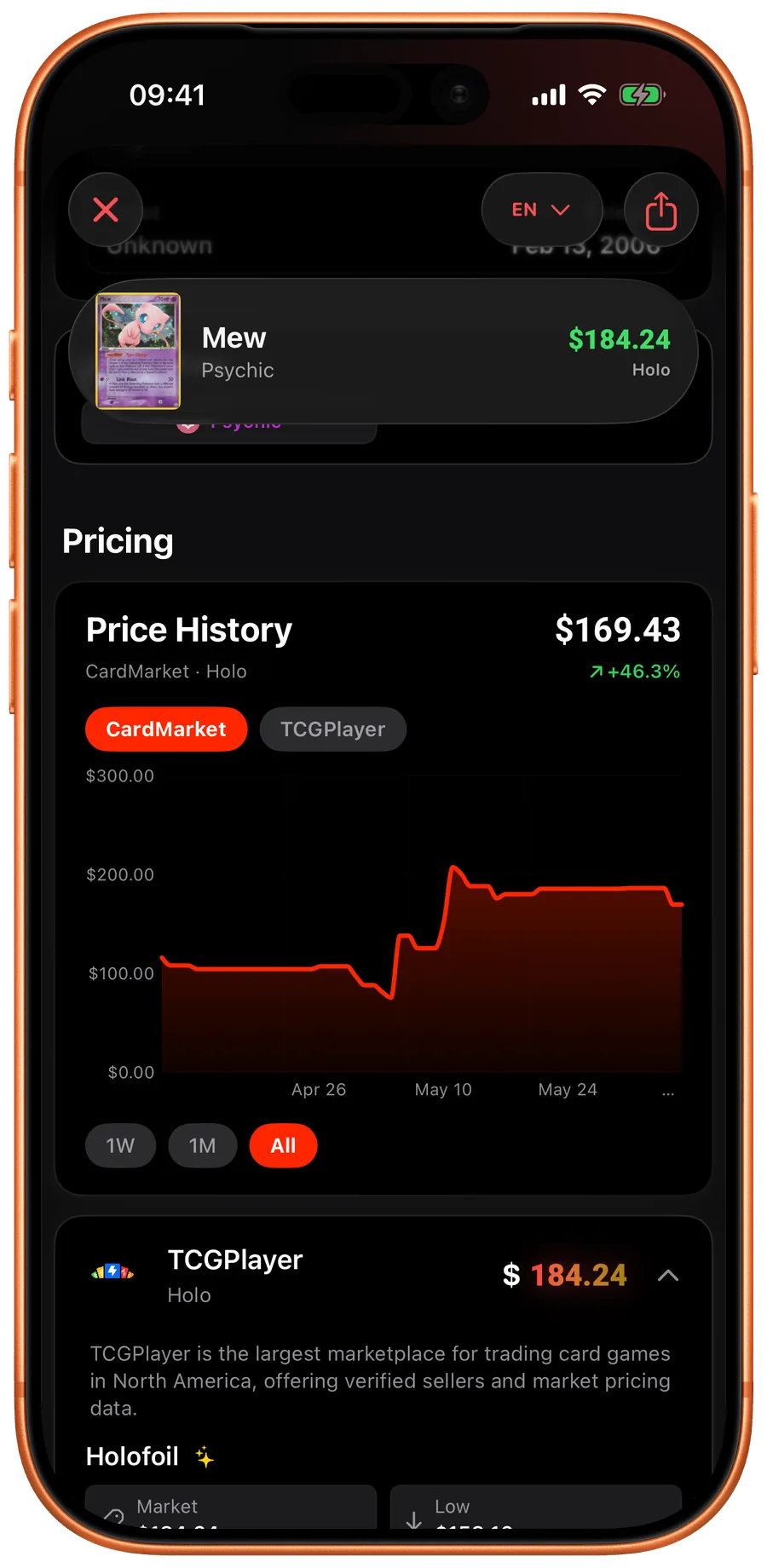
Home FAQ How do I change a card variant? All questions How do I change a card variant? Open the card detail or long-press a card in a set view, then use the variant menu to switch between normal, holo, reverse holo, stamped, Master Ball, graded, and other available printings. In the app iOS Android More questions Can I scan Japanese Pokemon cards? Can I scan Chinese Pokemon cards? Can I scan PSA, BGS, CGC, SGC, ACE, or TAG graded cards? Can I export cards or a collection?