Getting Started with Eyevo: Your Complete Guide
Welcome to Eyevo, the fastest Pokemon TCG scanner on iOS! In this guide, we’ll walk you through everything you need to know to start scanning your Pokemon cards and building your digital collection.
Why Eyevo?
Eyevo was built with one goal in mind: scan Pokemon cards as fast as possible. Our advanced OCR technology can identify cards in under 1 second with 96% accuracy. Whether you’re a casual collector or running a card shop, Eyevo helps you catalog your collection effortlessly.
🎲Example: Try Scanning a Card Like This
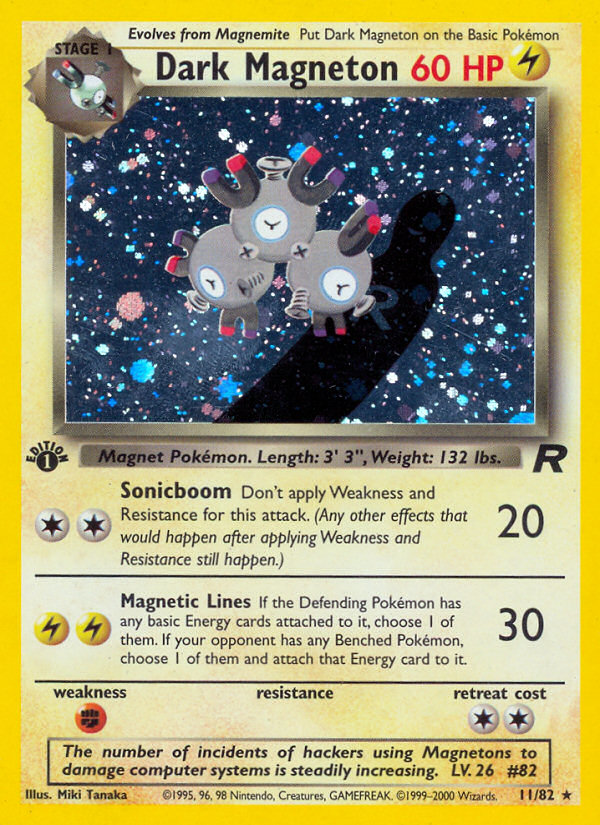
Dark Magneton
Team Rocket • #11
Rarity:Rare
Market Price
€46.99
HP
60
Artist
Miki Tanaka
Getting Started
Step 1: Download the App
Eyevo is available on both iPhone and Android. Download it from the App Store or Google Play and open the app.
Step 2: Point and Scan
- Tap the Scan button to open the camera
- Hold your Pokemon card in good lighting
- Center the card in the viewfinder
- Eyevo will automatically identify the card
That’s it! No need to press any buttons—Eyevo recognizes cards instantly.
Tips for Best Results
- Good lighting is key: Natural daylight works best, but any well-lit area will do
- Hold steady: Keep the card still for the most accurate scan
- English cards first: Currently, Eyevo works best with English Pokemon cards
- Avoid glare: Holographic cards may need slight angle adjustments
Explore Your Collection
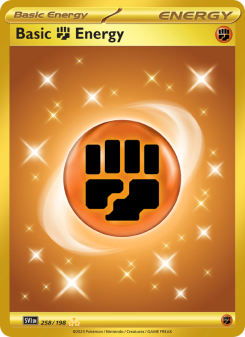
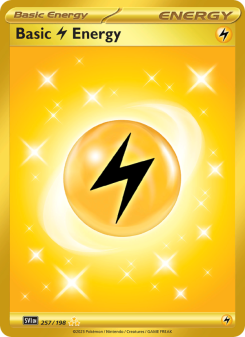
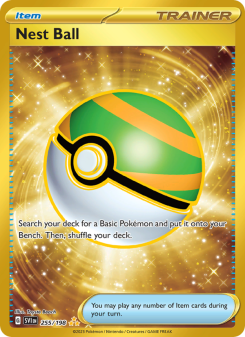
Once you’ve scanned your cards, you can explore different sets:


What’s Next?
Once you’ve scanned your first card, explore these features:
- Collection Management: Track your entire collection with values updated daily
- Price Tracking: See real-time market prices from TCGPlayer and Cardmarket
- Export Data: Export your collection to CSV for backup or analysis
Happy scanning!
Ready to Build Your Collection?
Download Eyevo now and start scanning your Pokemon cards. It's free to try!
Pokemon TCG Card Scanner Know Exactly What It’s Worth.
Eyevo identifies the exact printing in under a second, then shows live raw, graded, and sold prices. Recognition works offline, and your collection stays on your device.