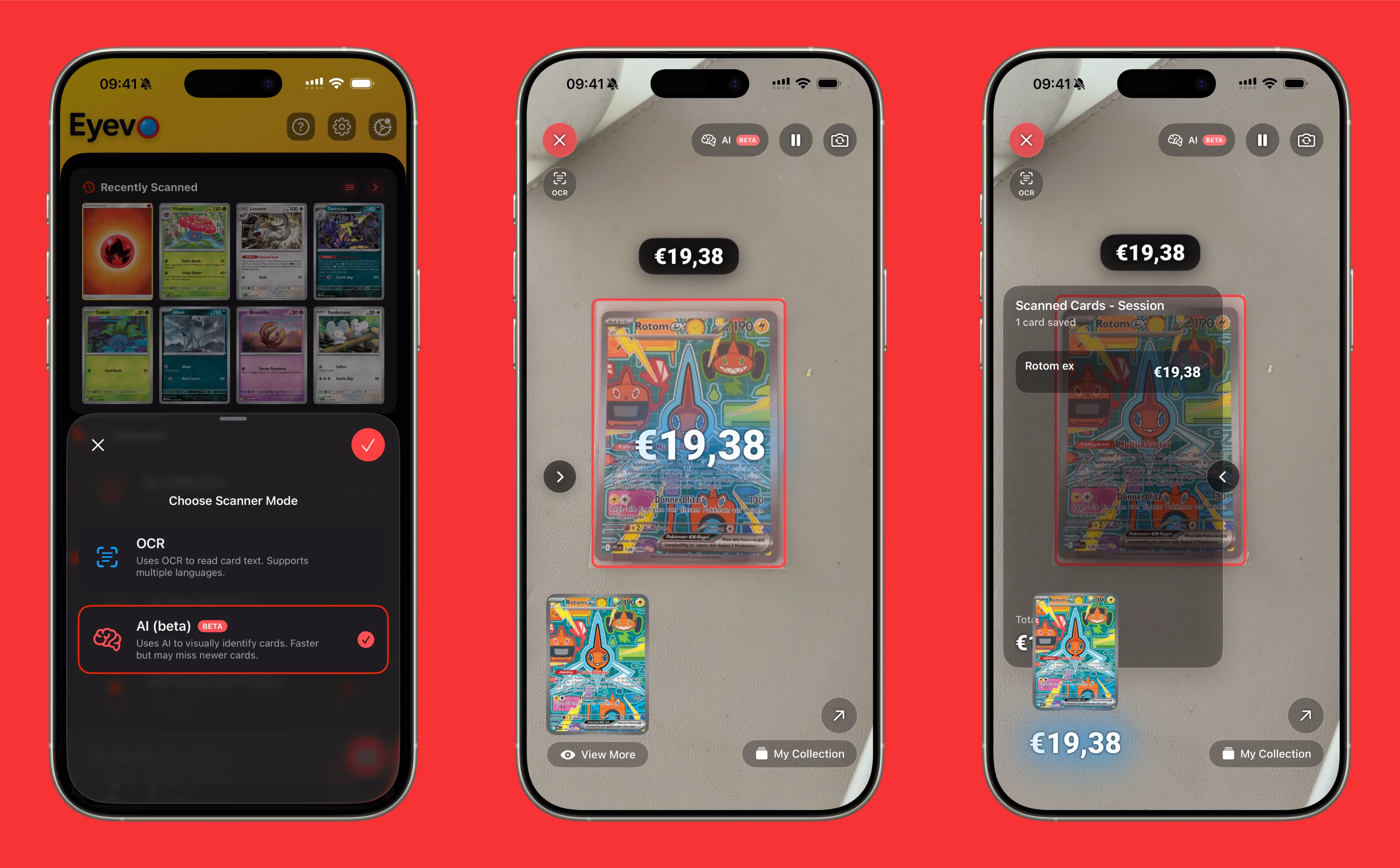
AI Scanner vs OCR Scanner: Which Mode Should You Use in Eyevo?
Eyevo has two different ways to scan Pokemon cards: AI Scanner and OCR Scanner. Both identify cards quickly, but they work differently and excel in different situations.
Here’s the breakdown of each mode and when to use it.
AI Scanner: Image Recognition
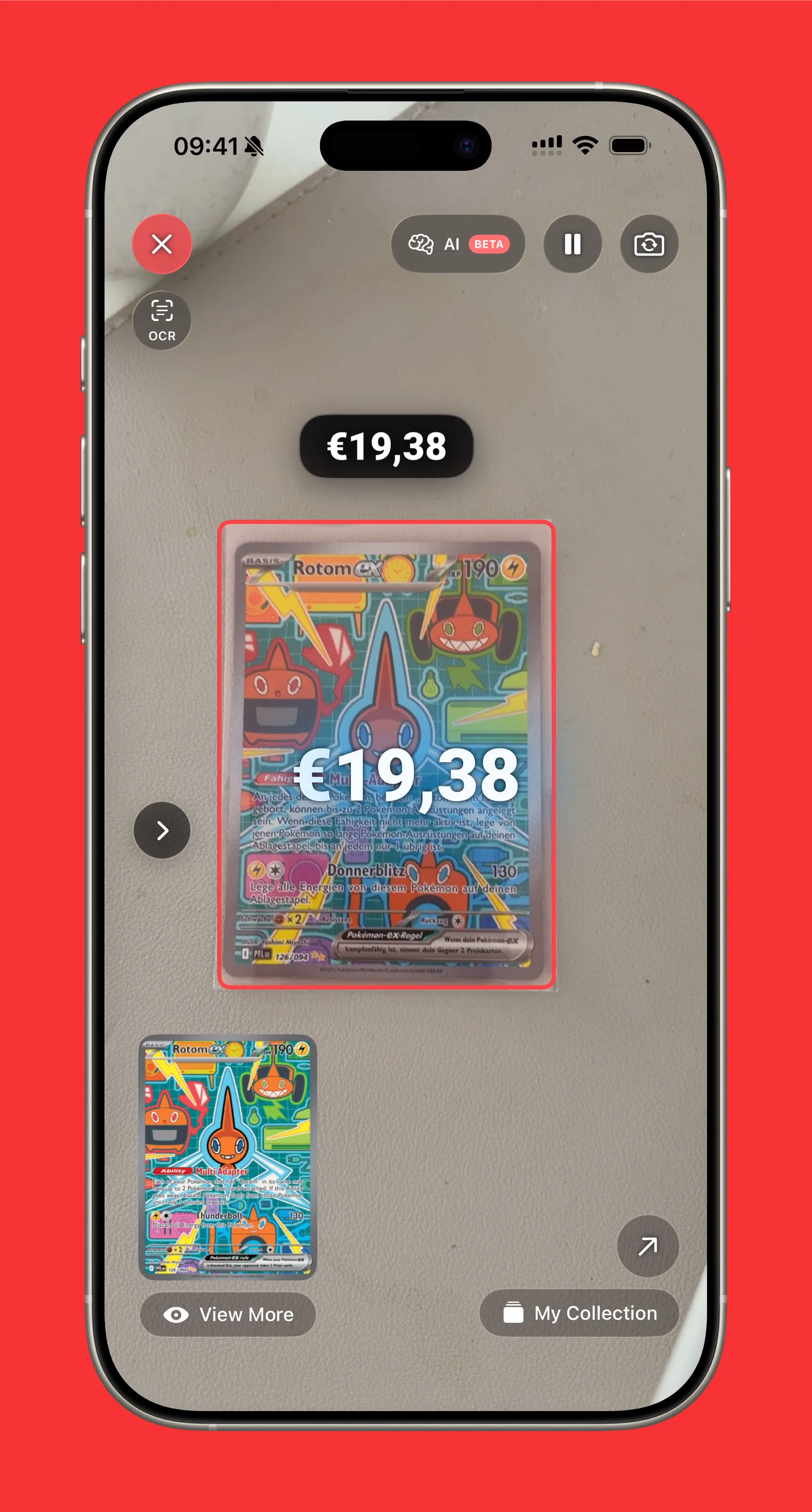
The AI Scanner uses machine learning to identify cards by their visual appearance. It analyzes the artwork, layout, and visual patterns to match against a database of over 18,000 Pokemon cards.
I built Eyevo’s AI scanner to be the best in the world. It recognizes cards in under a second with 95%+ accuracy — faster and more reliable than any other Pokemon card scanner on the market.
How It Works
Point your camera at a card. The AI model processes the image and compares it against thousands of card images it’s been trained on. When it finds a match, you get instant identification.
Strengths
- Blazing fast — Recognition happens in under a second
- Works with worn text — Damaged or faded cards can still be identified by artwork
- Handles angles — Slight tilts and rotations don’t break recognition
- Great for holos — Holographic patterns don’t confuse the image recognition
- Multiple languages — Identifies cards regardless of language printed on them
Best For
- Quick scanning sessions
- Holographic and textured cards
- Worn or damaged cards
- Foreign language cards
- General collection cataloging
OCR Scanner: Text Recognition
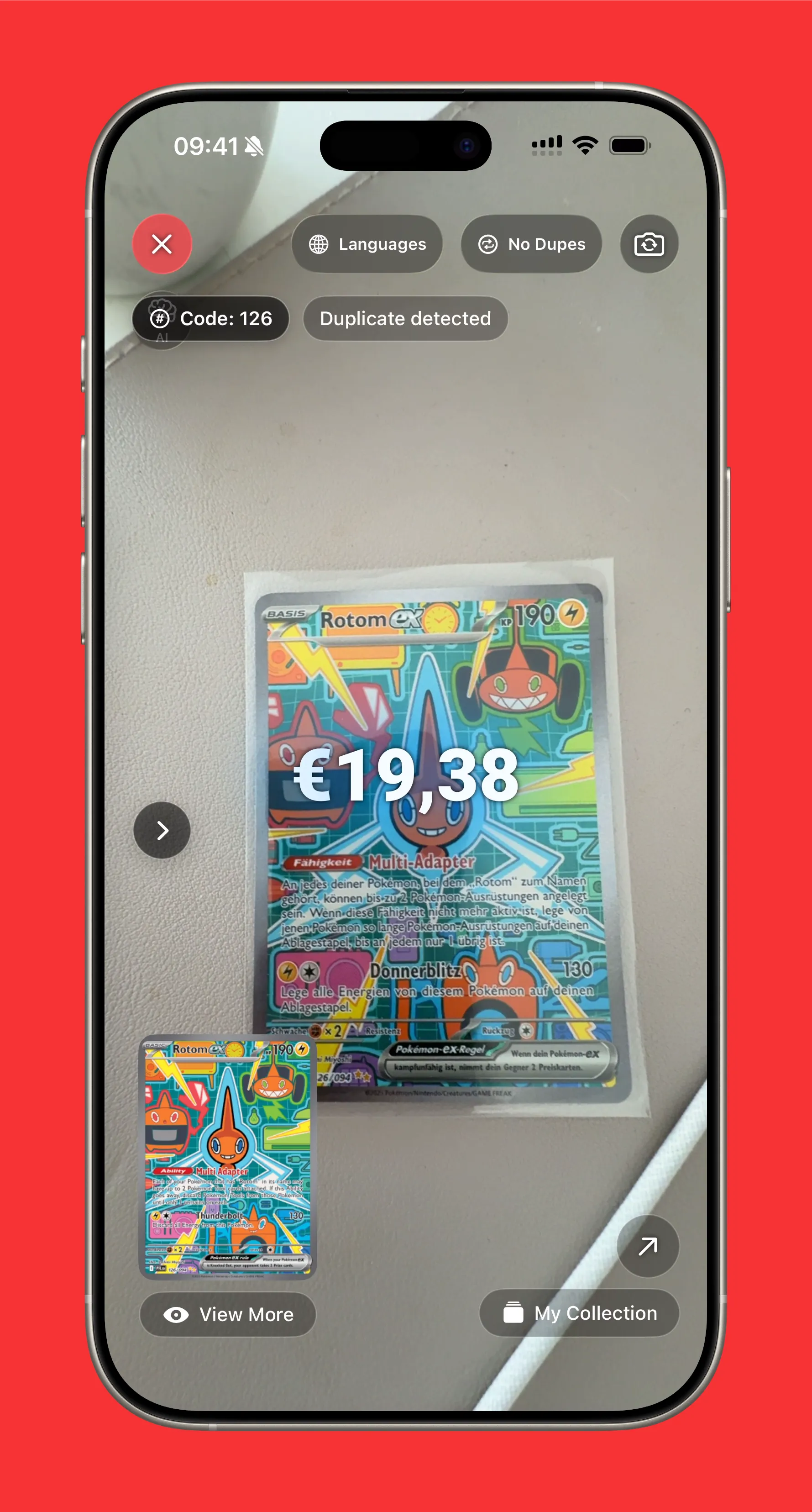
The OCR (Optical Character Recognition) Scanner reads the text printed on your card — the name, set info, and card number — then matches it against the database.
How It Works
The scanner identifies text regions on the card, reads the characters, and cross-references the card name and number with known sets. It’s essentially reading the card the same way you would.
Strengths
- Precise identification — Text matching is exact when readable
- Distinguishes variants — Different prints of the same art (regular vs reverse holo, different sets) identified correctly
- Set number matching — Uses card number to confirm exact version
Best For
- Identifying exact print versions
- Cards with damaged or obscured artwork but readable text
- Distinguishing between similar-looking variants
- When AI Scanner gives multiple possible matches
Quick Comparison
| Feature | AI Scanner | OCR Scanner |
|---|---|---|
| Speed | Very fast | Fast |
| Worn cards | Excellent | Poor if text damaged |
| Holos | Excellent | Can struggle with reflective text |
| Exact variant ID | Good | Excellent |
| Foreign cards | Excellent | Limited |
When to Switch Modes
Start with AI Scanner for most situations. It’s faster and handles the majority of cards without issues.
Switch to OCR Scanner when:
- AI gives multiple matches — OCR can narrow down the exact version
- You need the specific print — Same card exists in multiple sets with different values
- Artwork is obscured — Stickers, damage, or sleeves covering the art but text visible
Switching Modes in Eyevo
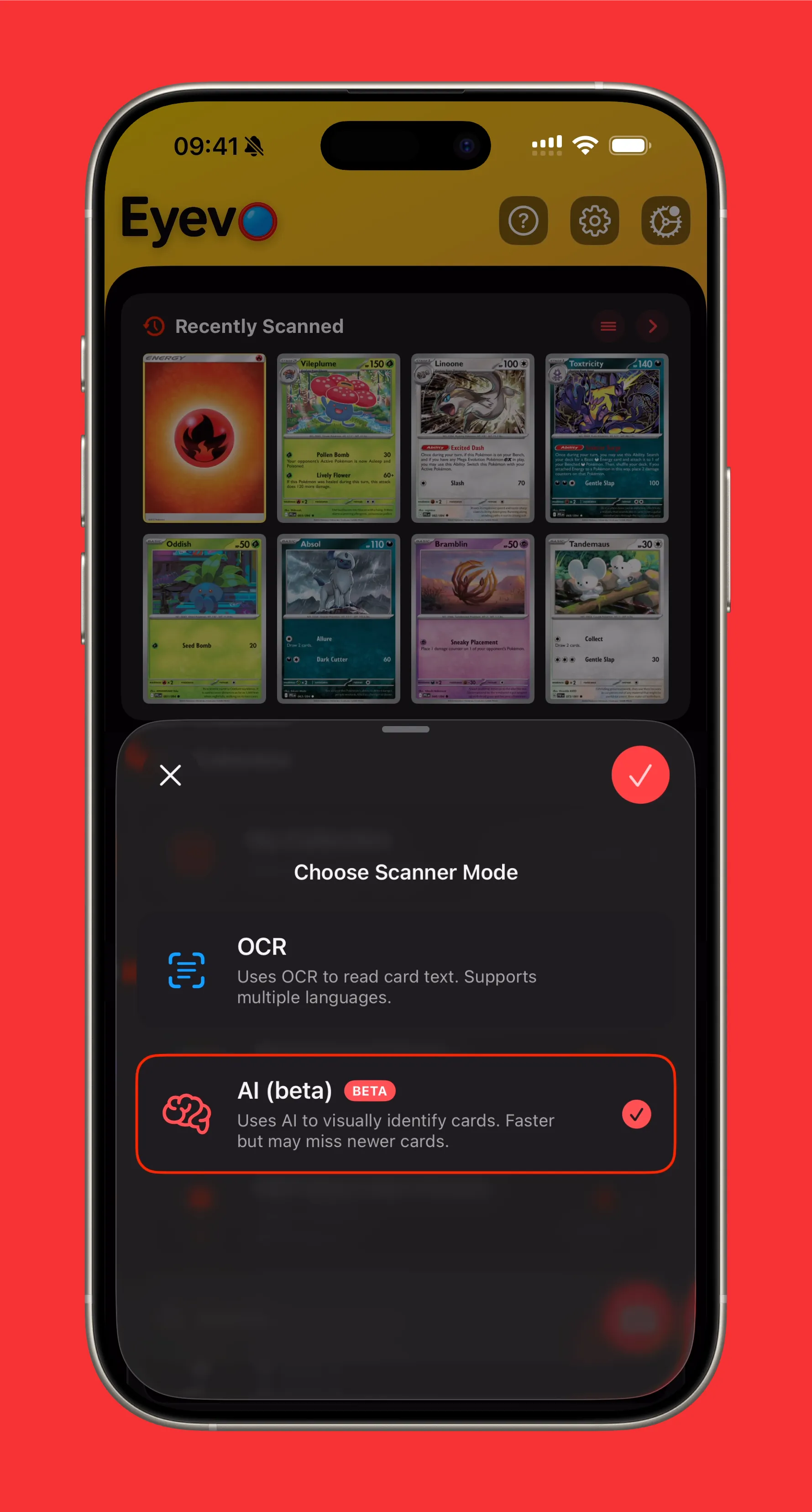
Tap the scanner mode button to switch between AI and OCR. The app remembers your preference, so if you find yourself using one mode more often, it’ll be ready.
Quick Summary
- AI Scanner = Fast, visual recognition. Best for most situations. The best Pokemon card scanner available.
- OCR Scanner = Text-based, precise variant identification. Best when you need exact matches.
- Start with AI, switch to OCR when needed
Both modes are built into Eyevo at no extra cost. Experiment with both to see what works best for your collection.
Ready to try both scanning modes? Download Eyevo and see which works best for your cards.
Scan, Identify & Track Your Pokemon Cards
Lightning-fast card recognition powered by AI. Build your collection, track values, and explore the complete Pokemon TCG database.