

カードをきれいに共有

カードプレゼンター、コレクションプレビュー、ポートフォリオ画像で、友人や取引相手に見やすく送れます。

共有とカードプレゼンター

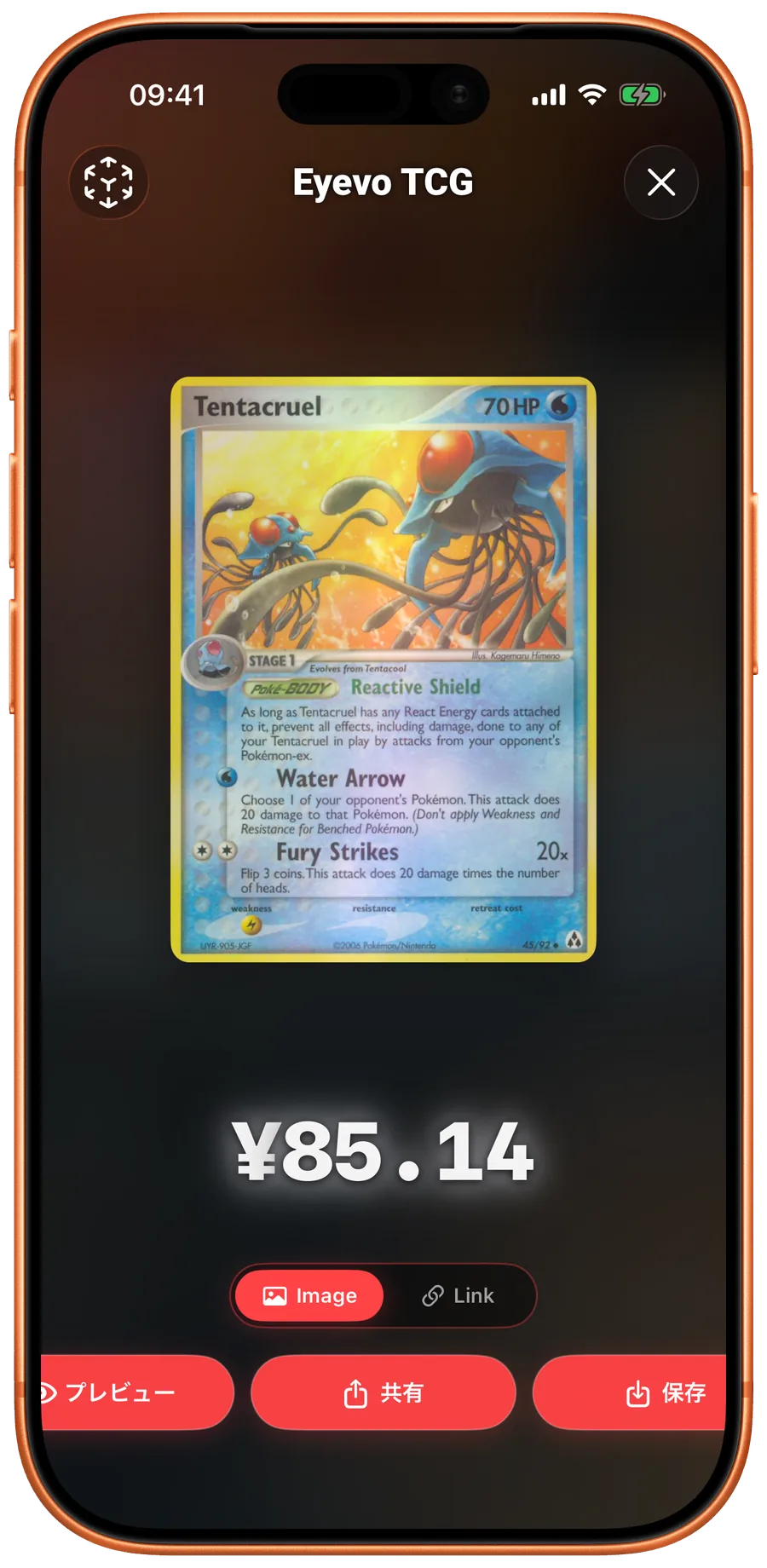
Card presenter in Eyevo
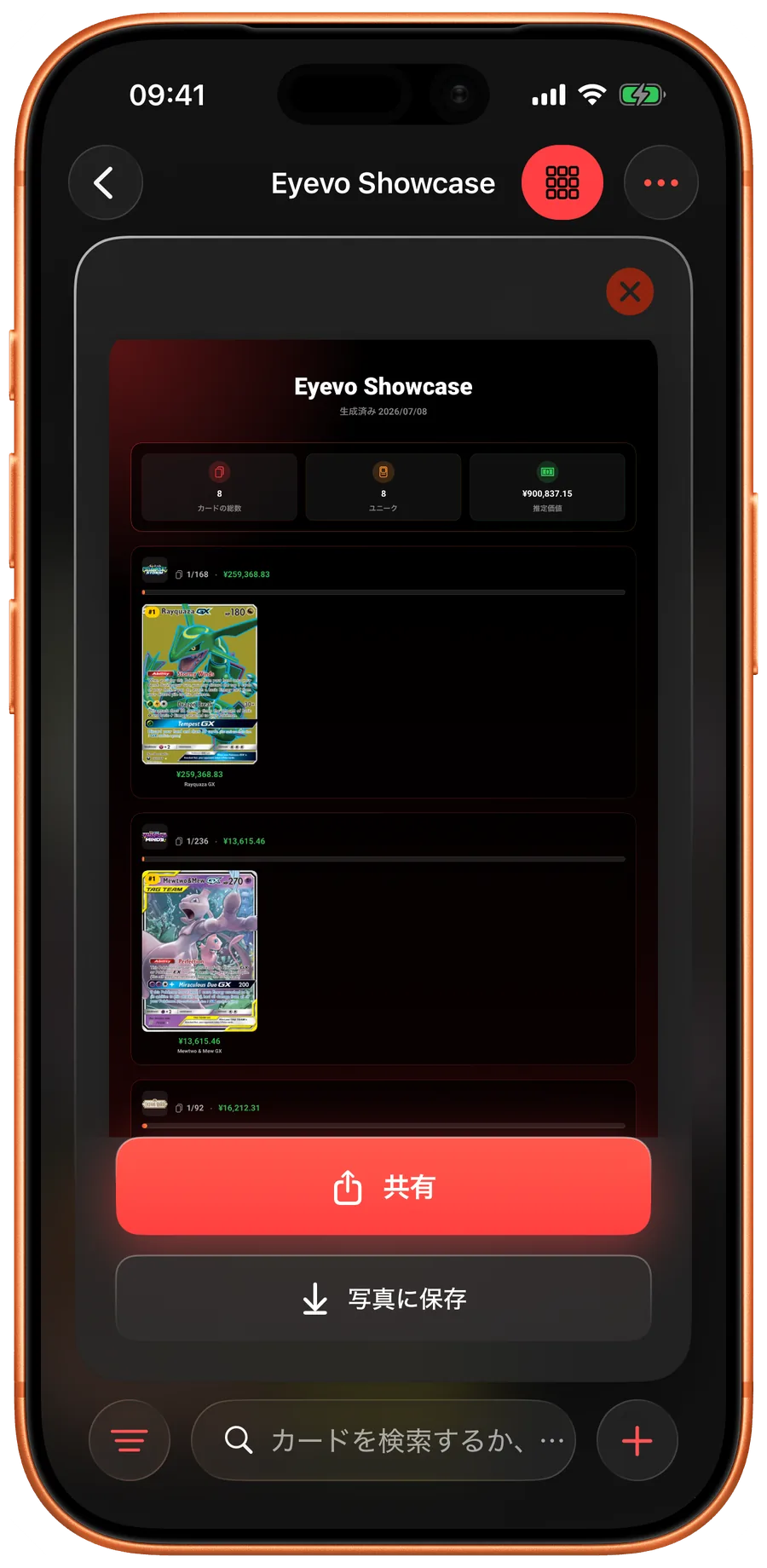
Collection share in Eyevo
Portfolio share in Eyevo

カードプレゼンター

1枚のカードを全画面で表示し、共有・保存・リンク送信ができます。

コレクションプレビュー

バインダー、ウィッシュリスト、トレード用リストを共有しやすい画像にできます。

ポートフォリオ画像

すべての行を出さずに、コレクション全体の価値を共有できます。

Eyevo turns individual cards, collections, and portfolio snapshots into clean share images before you send them. Open the card presenter for a single card, share a collection summary for a binder or trade pile, or export a portfolio view that shows the value story without exposing every private detail.

Card presenter for single-card moments

The card presenter gives a scanned card a full-screen stage with price, source, and card image controls. It is built for quick social posts, trade chats, and card-shop conversations where a cramped detail screen is harder to read.

Switch between image and link modes depending on whether you want to send a polished visual or a lightweight reference someone can open later.

Collection previews before you share

Collection share previews summarize the collection name, total value, card count, and selected cards in a layout that is readable outside the app. You can confirm the image before saving it or sending it through the system share sheet.

This is useful for trade binders, wishlists, showcase binders, and insurance snapshots because each share starts from the collection you already maintain.

Portfolio snapshots for the big picture

The portfolio share view rolls up cards across collections, so you can show the shape of the collection without exporting every row. It keeps totals, selected cards, and market context together in one image.

When you need raw data instead of an image, the export flow still gives you CSV, JSON, and plain text options.

Common questions

Can I share one card instead of a whole collection?

Yes. Open the card presenter from card detail and choose whether to share a rendered card image or a link.

Can I export data as well as images?

Yes. Share images are for presentation. Collection export creates CSV, JSON, or plain text files for backups and spreadsheets.